Tips & Advice
Lending your racket:
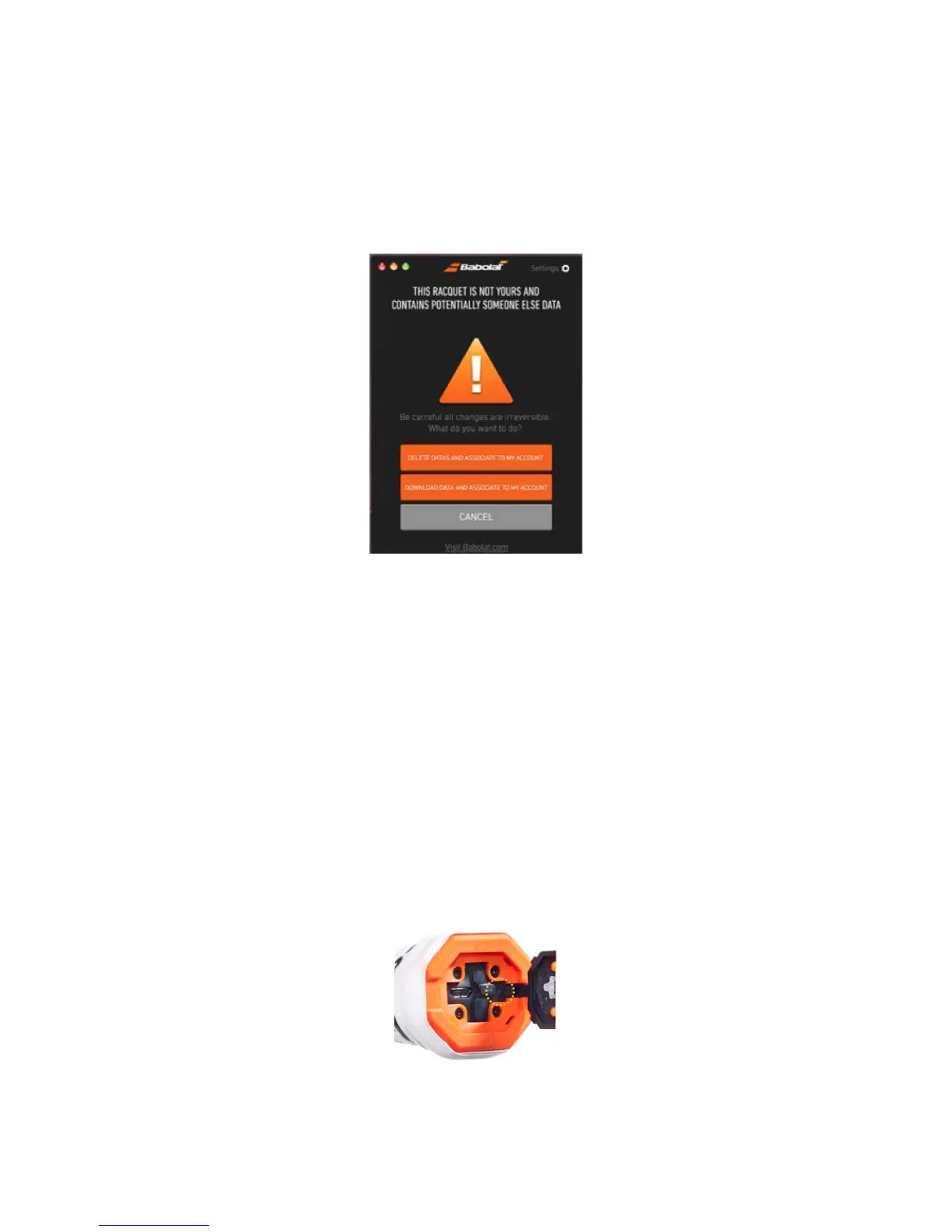
If you plan on lending your racket, you must synchronize and download your data
beforehand (figure 23)
Figure 23
Merging sessions:
If you decide to take a break from playing for more than 15 minutes or if you have to replace
your strings, your racket will turn off. Your racket will think your session has finished. If you start
playing again, you have the possibility of merging the new session with the previous one.
To do this, click on the undefined session in the app for just over a second or by using your
mouse on the Website. It will become highlighted. Drag and drop it onto the previous session
to merge the two together (figure 24). Merging sessions can also be done if a player has
more than one PLAY racket paired to the same account. If your sessions are 5 hours apart,
you can no longer merge them.
Resetting Your Racket
If your racket appears to be frozen, we advise you carry out a racket reset. To do this, you
firstly need to open the butt cap trap, take a thin object, insert it in the hole and press down.



 To Next Page