Profile set up:
When the BABOLAT PLAY website opens, you’ll need to click on the Join button at the top of
the page to create your personal account and profile using Facebook Connect or your email
address. To create your account, set up your username, password and fill in personal details
like your first name, last name and whether you are left or right handed. This information
personalizes your BABOLAT PLAY experience and improves the accuracy of your data.
Installing BABOLAT Connect software on a PC/Mac:
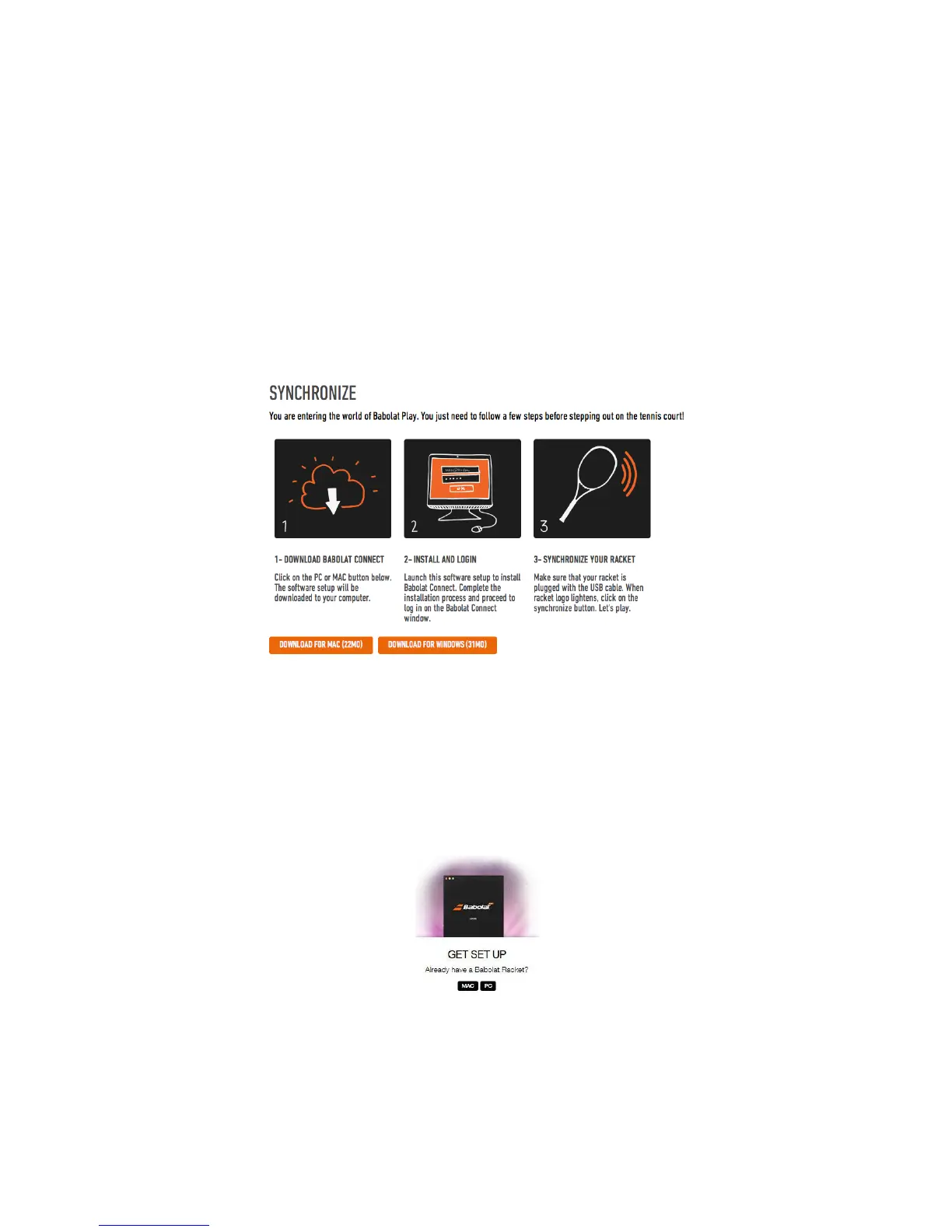
Once your profile is finalized, you’ll need to click on the synchronize button on the top right-
hand corner of the webpage. A Tutorial window will appear instructing you on how to
download the BABOLAT Connect software (figure 4).
Figure 4
The free BABOLAT Connect software allows you to sync stored data from your racket to your
babolatPlay.com Dashboard. If you haven’t created your account yet, you can do so whilst
installing the BABOLAT Connect software:
1. Go to http://www.babolatPlay.com
2. On the homepage of the website, scroll down to the bottom of the page.
Figure 5
!



 To Next Page