Settings
Confidentiality
In the settings menu of the website and the App, you can select the level of confidentiality of
your PLAY profile to be shared with the PLAY community. There are 3 possible solutions: closed
profile (share nothing), restricted sharing (just the Pulse), or open (share everything).
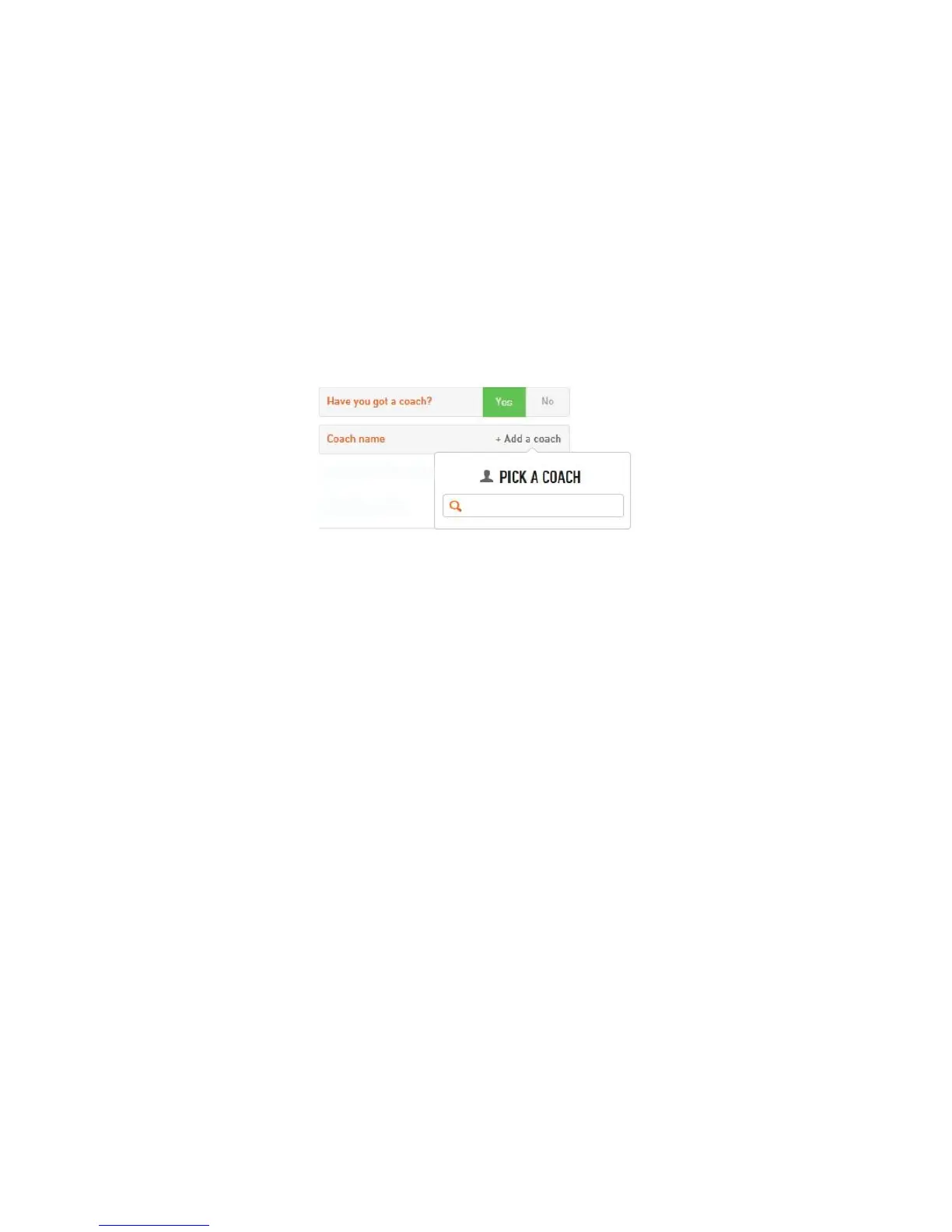
Declaring a coach
If you have a coach in the PLAY community, you can declare him by clicking on yes or no
and then select his name in the menu bar (figure 11).
Figure 11
Autoshare with Facebook
If your account is linked to Facebook, you can choose to share or not share your information
in the settings menu by clicking on either yes or no.



 To Next Page