Setting&up&Play&on&a&mobile&device:&
Mobile device requirements:
BABOLAT PLAY is capable of being set up and syncing with mobile devices that support
Bluetooth 2.1 technology.
For a complete list of compatible mobile devices, visit: www.babolatPlay.com/support
Installing BABOLAT PLAY App on a mobile device:
The free BABOLAT PLAY App allows you to sync stored data from your racket to your
babolatplay.com Dashboard. To set up your BABOLAT PLAY racket with an iPhone or android,
you’ll need the PLAY racket and a compatible iPhone or android:
1. Download and install the BABOLAT PLAY App from the Apple Store (iOS) or Google
Play Store (Android).
2. Once the App. is installed, open it. Select Get Started.
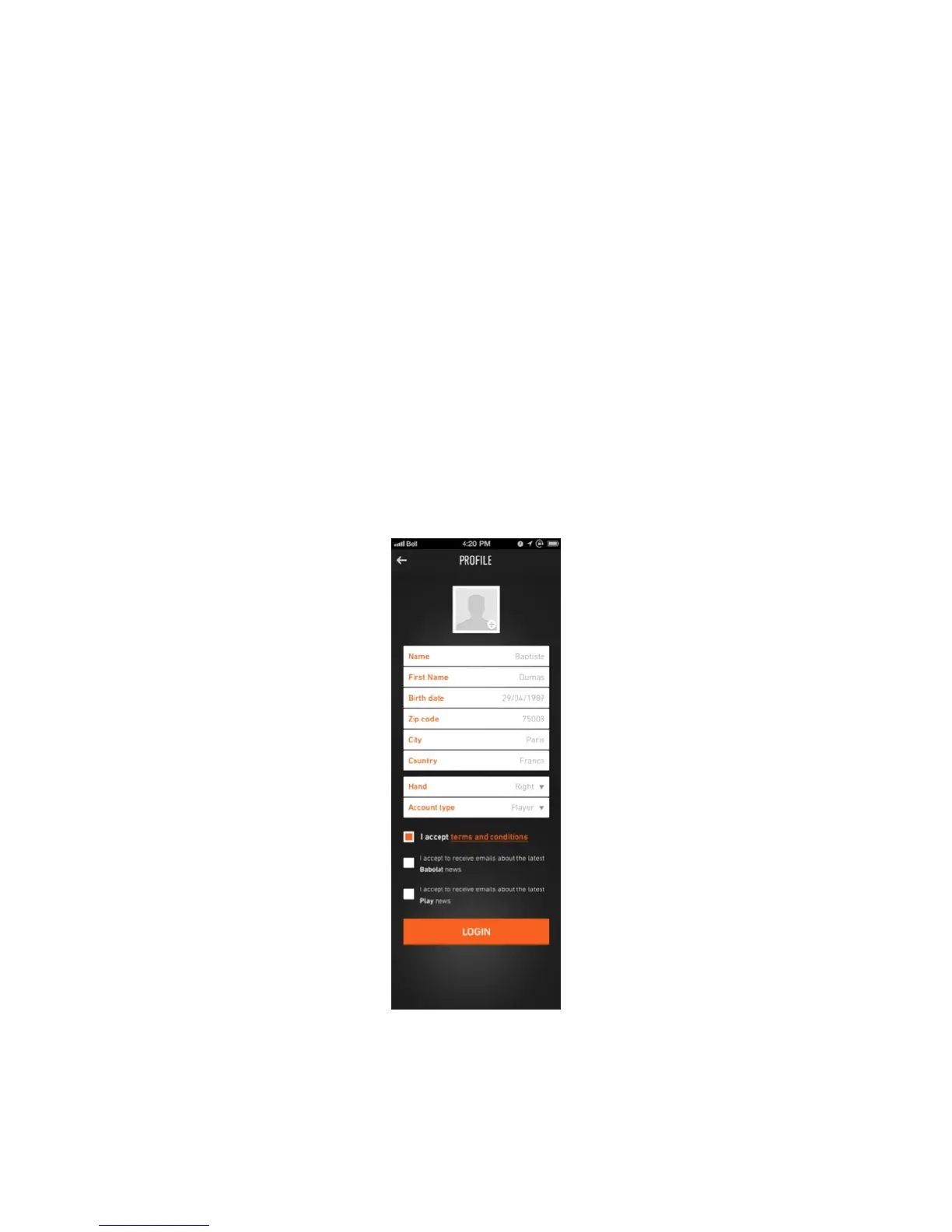
3. You’ll then need to create your personal account and profile using Facebook
Connect or your email address. Set up your username, password and fill in personal
details like first name, last name, left or right hand (figure 7). This information
personalizes your BABOLAT PLAY experience and improves the accuracy of your data.
Figure 7



 To Next Page