3. Click on either the Mac or PC icons (figure 5)
4. Follow the instructions and download the BABOLAT connect software.
NOTE: See www.babolatplay.com/support for tutorial videos if you need more help.
Associating and Synchronizing your racket and computer:
Once the BABOLAT connect software is installed on your computer, you can login with your
own BABOLAT PLAY account. This will allow you to sync your data.
You will need to login to your account.
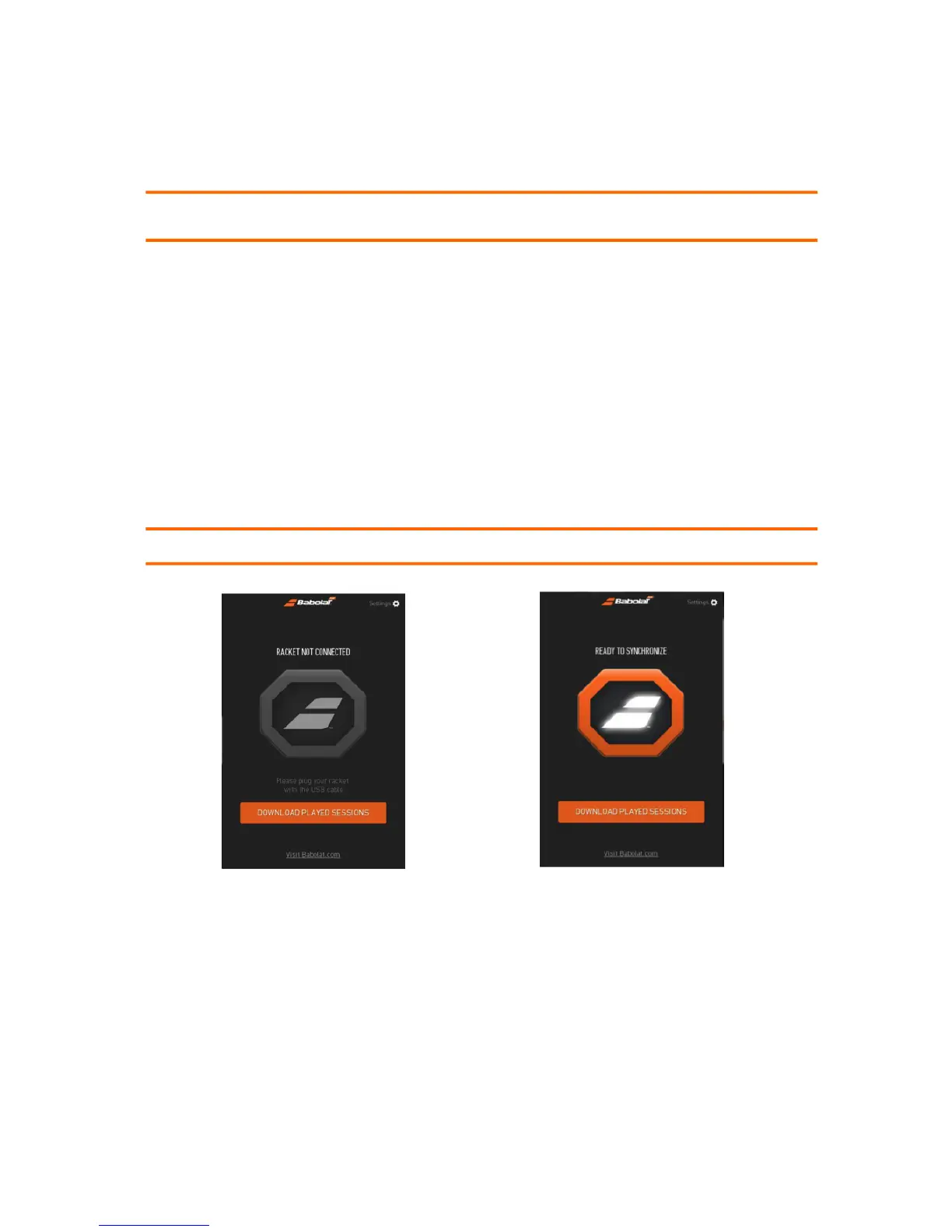
1. You will then be asked to synchronize your racket (figure 6). Once your
synchronization is complete, a message will invite you to Play. You can then
disconnect your racket from your computer, sign out and Play. Before you start to
Play, check to make sure that your racket is on: the blue light should be flashing. If not,
press the button for 2 seconds. You are now ready to record your game.
NOTE: BABOLAT connect software can only be used on a computer with a USB cable.
Figure 6



 To Next Page