Setting up BABOLAT PLAY on a computer:
System requirements:
To use BABOLAT PLAY on a computer, you must have the following system
requirements:
Internet access (Broadband recommended; fees may apply). Web browser: Internet Explorer
8+, Firefox, Safari 5+, Chrome.
For a complete list of compatible devices, visit: www.babolatPlay.com/support
To set up your BABOLAT PLAY racket with a computer, you’ll need the Play racket, the USB
cable provided in your pack and a computer, Mac or PC, with a USB drive.
Connecting the racket using a PC/Mac and a USB cable:
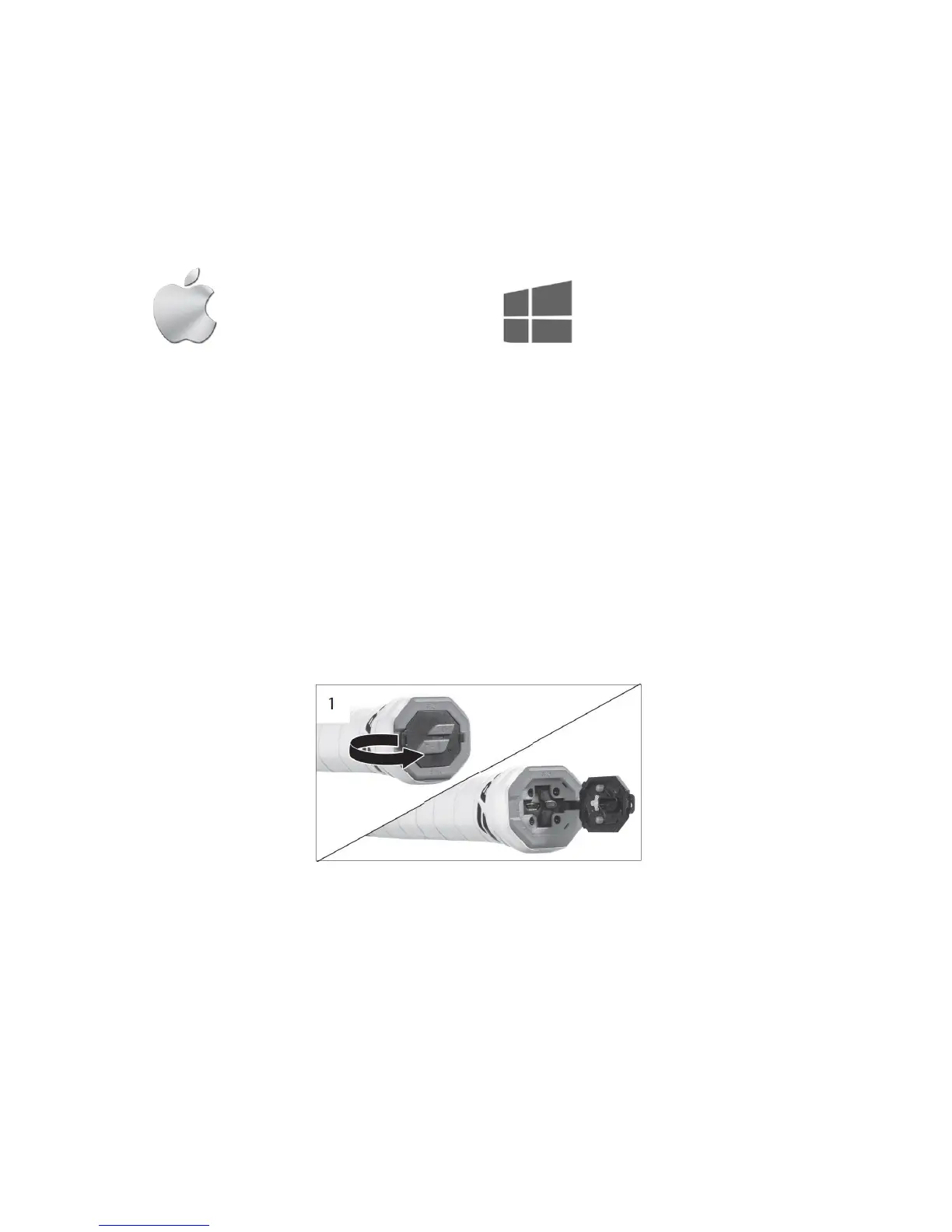
1. Turn on the racket (figure 1)
2. Open the butt cap of the racket (figure 3)
3. Connect the racket to the computer using the USB cable. Insert the USB cable into
your racket and then connect the other end of the cable into your computer. Your
racket will be recognized as a USB drive. Inside the USB drive, select the Play link to be
directed to BABOLAT PLAY website http://www.babolatplay.com.
Figure 3
!
! !



 To Next Page