Overview
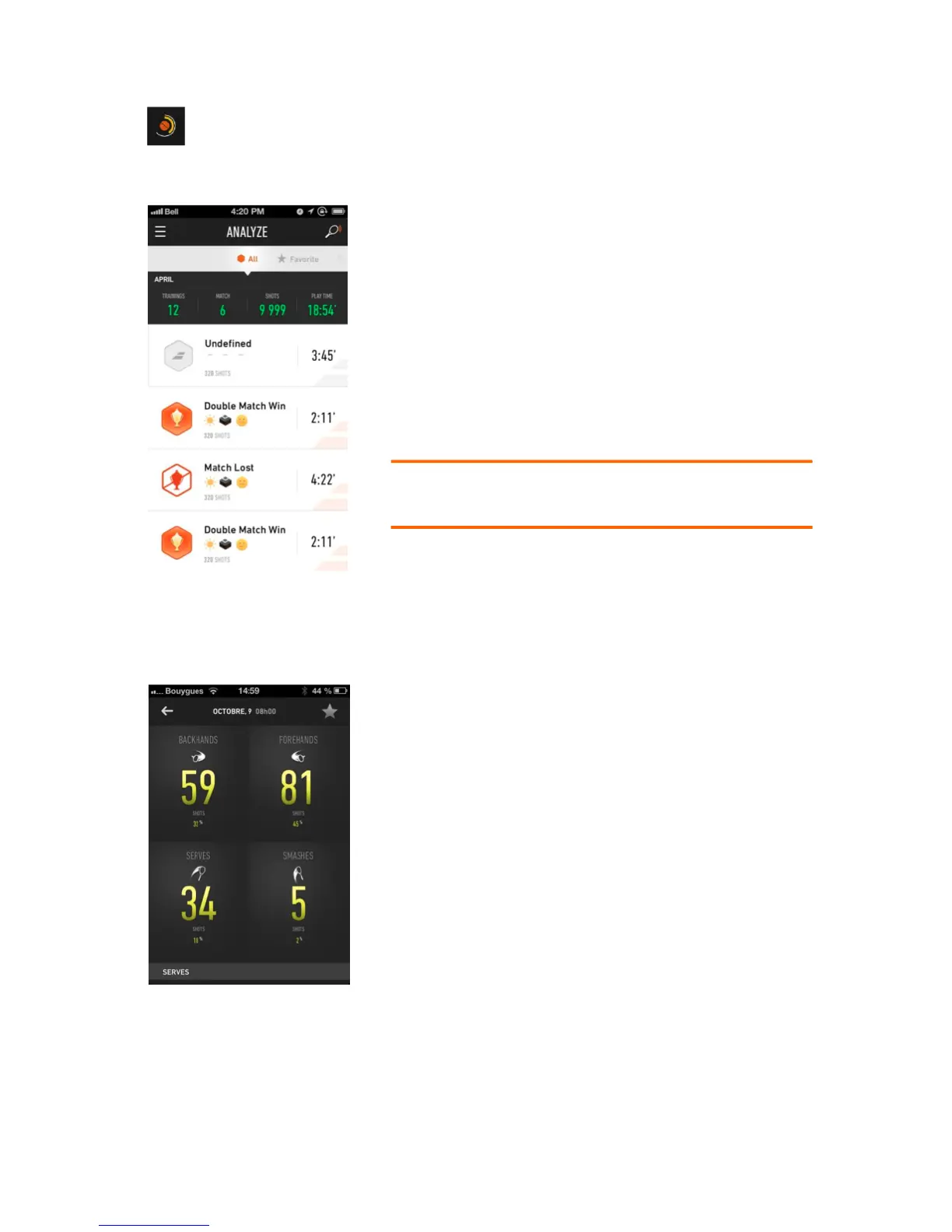
Find all your game sessions on the activity wall. After
downloading a session from your racket, they appear
directly on your activity wall. You must validate your
sessions to update your statistics (figure 14).
You can define each session as a match or a training
session; track your tennis score and more. Each validated
session reactivates your Pulse, develops your skills and
updates your records.
Note: Once a session is validated, it shows up in your
personal statistics and cannot be erased.
Shot Breakdown
Shot breakdown tells you how many shots you’ve hit in
each session for each different stroke type.
Figure 15 shows that 81 forehands were hit out of a total
number of 179 shots. In other words, 45% of the total
number of shots was forehands.



 To Next Page