BABOLAT&PLAY&USER’S&GUIDE&&
Understanding how your BABOLAT PLAY racket works:
Understanding your BABOLAT PLAY racket’s main functions before attempting to install
BABOLAT Play software onto your computer or the application onto a mobile device, is
essential to fully benefit from the experience.
!
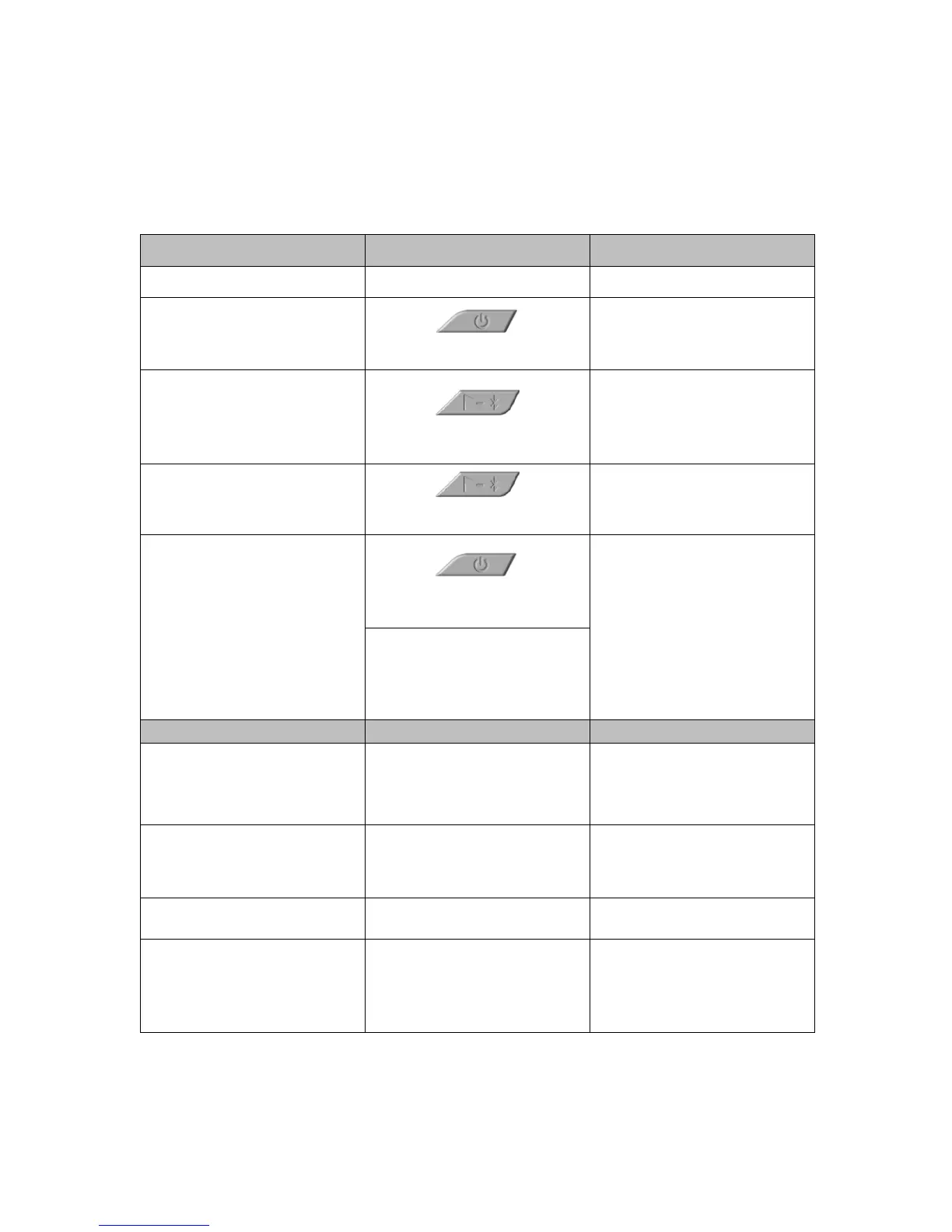
Figure 2
!
! !
Press and hold this button for 1
second
Blue light turns on and flashes slowly
Split a playing session (1st set, 2nd
set...)
Press this button quickly (less than 1
second)
Red light turns on for 1.5 seconds
Switch Bluetooth on (measure is off)
Press and hold this button for 2
seconds
Purple light turns on and flashes
slowly
Press and hold this button for 1.5
seconds
The racket switches off
automatically if no motion is
detected for 10 minutes.
Low Battery (a full charge allows 6+
hours of play)
Displayed automatically when
racket has 10% battery life
remaining.
Red LED blinks every 2 seconds
Charging (a full charge takes 3
hours)
Plug into charger and connect to
power source
Displayed automatically when
racket memory is full at 95%.
(Synchonization is needed...)
White LED turns on and flashes



 To Next Page