Using&BABOLAT&PLAY&
In order to get the most out of your BABOLAT PLAY experience, make sure you read through
the tutorials available on the application, the website and in this User’s Guide.
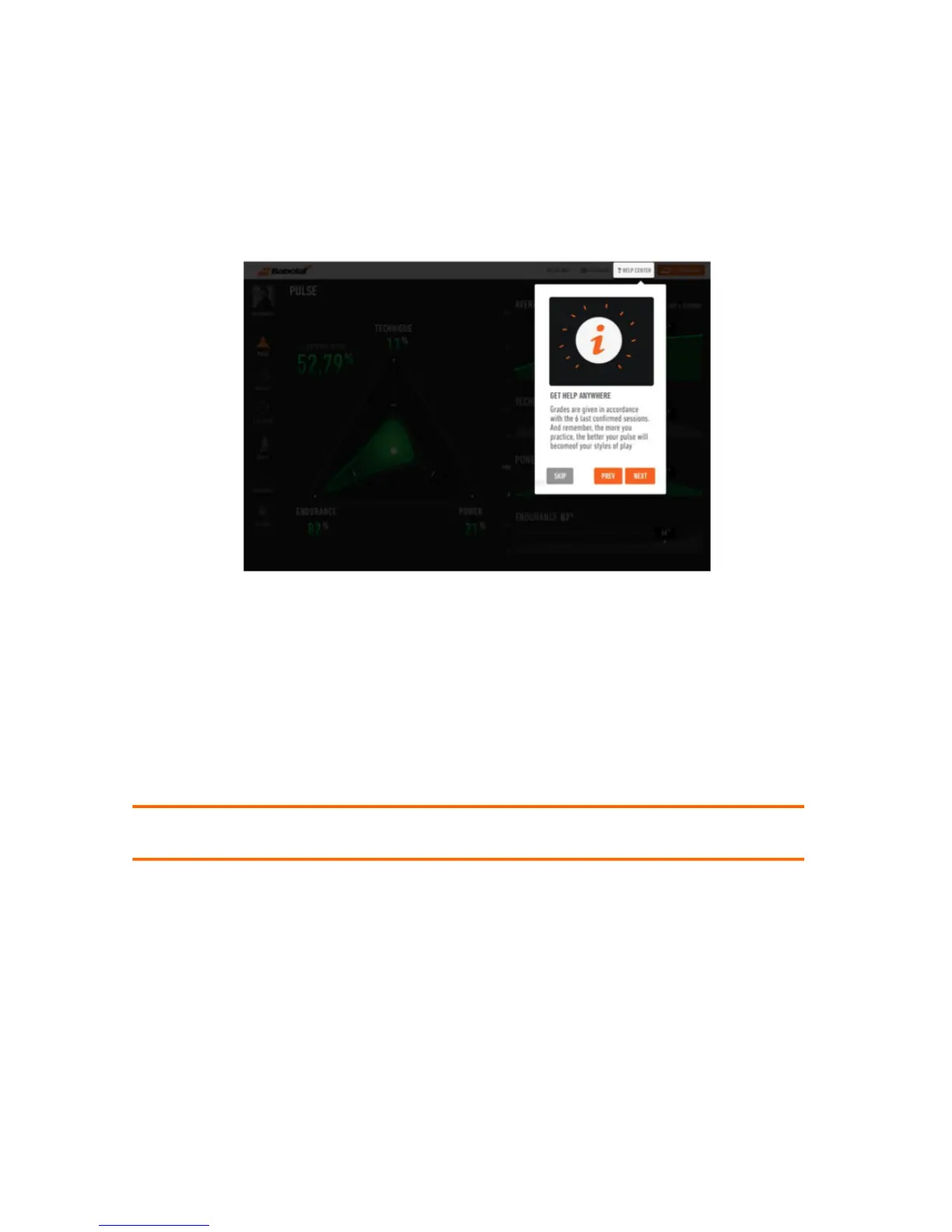
Video Tutorials are available on the website by clicking on HELP CENTER (figure 12).
Figure 12
On the mobile App, the tutorials open automatically when you launch the App for the first
time. If you want to consult them again, go to Help on the dashboard of the App.
Recording and Downloading your sessions:
You just have to turn on your racket to record a session. Remember to turn off your racket at
the end of a session. If you forget, it will automatically switch off after 5 minutes.
Note: You can record consecutive sessions by turning the racket on and off as many times as
you want.
You can download your sessions using the Play App or a computer:
1. Using the application: the Bluetooth on your Smartphone should be turned on
(figure 8), and your racket, switch its Bluetooth mode on (see figure 1). Played sessions
will be downloaded automatically if the application is open.
2. Using a computer: you must first install the BABOLAT Connect Software (page 7).
Once you plug the racket with the USB cable into your computer, the BABOLAT
Connect software will open and guide you to download your session.
!



 To Next Page