Syncing your racket to a mobile:
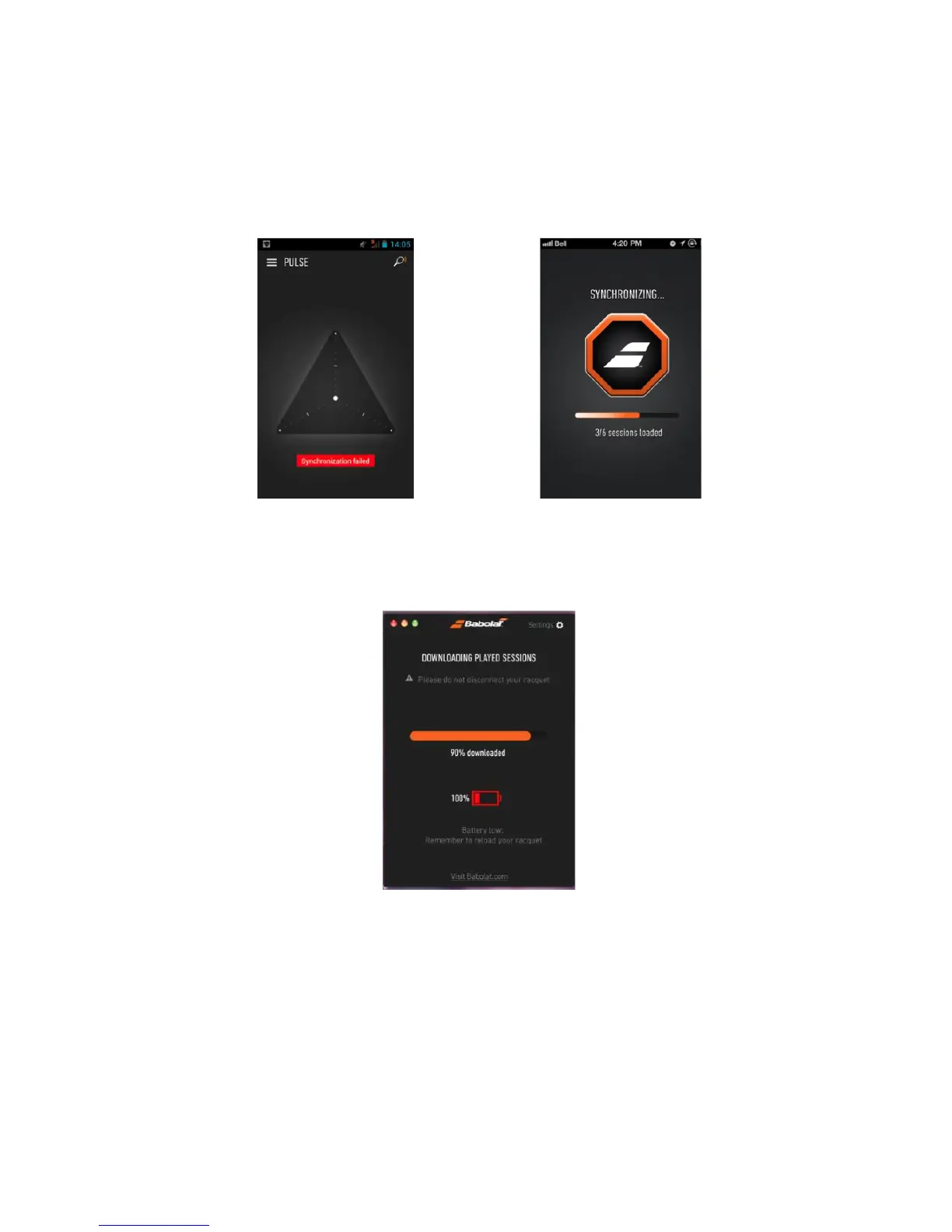
Next, open the BABOLAT PLAY App and login if necessary. You will then have to press on the
racket symbol on the top right-hand corner of the app screen to start synchronization (figure
9).
figure 9
You can check your battery level indicator on the screen of your mobile (figure 10).
figure 10
Once your synchronization is complete, a message will invite you to Play. Before you start to
Play, check to make sure your racket is on: the blue light should be flashing. If not, press the
button for 2 seconds. You are now ready to Play and record your game.
!



 To Next Page