BOSS Saw User Manual V1.0
5/9/2019
Human-Machine-Interface (HMI)
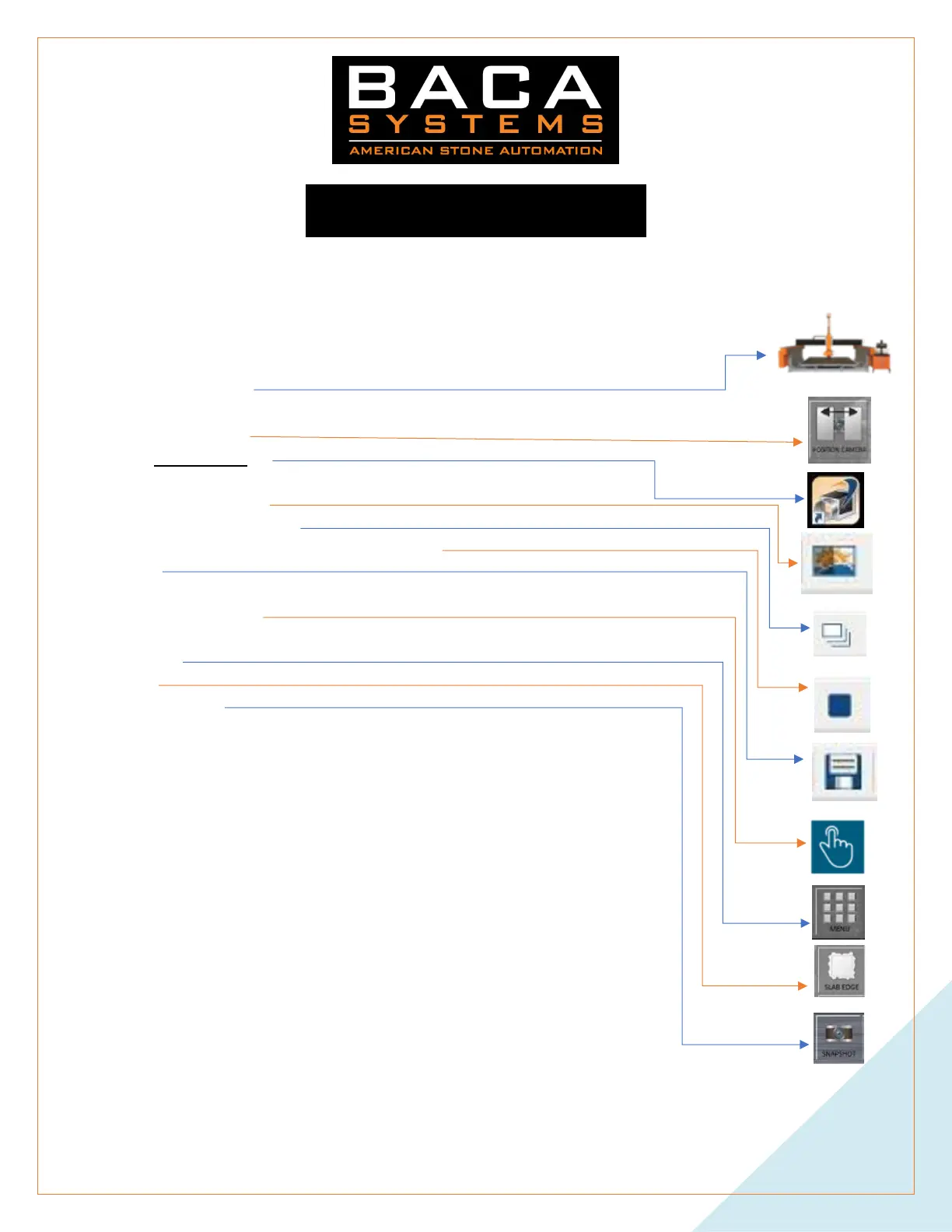
Slab Edge - This should be done before almost every type of cut function. Mostly to minimize errors.
1. START PROGRAM
2. AUTO
3. CAMERA COVER
4. Open Pylon Viewer
5. Double click on the camera name (I.e. BACA (22965708)
6. Select Auto Adjust
7. Select Continuous Shot
8. Once the picture has stabilized, Press Stop
9. Save
10. Minimize Pylon Viewer
11. Open TouchDrive
12. Close CAMERA COVER
13. Menu
14. Slab
15. TAKE PHOTO
16. Input Material Thickness
17. Delete Slab- YES
18. Confirm
19. Select the last picture taken
20. OK
21. Wait up to 30 seconds
a. The image should now be displayed
22. Now you must define the edge of the slab
a. Two Points
b. Left click just outside the bottom left corner of the slab
c. Select First
d. Left click just the outside of the top right corner of the slab
e. Select Second
i. A yellow border should now be around the edges of the slab
ii. Be sure that it is mostly outside the slab
23. MENU


 To Next Page