BOSS Saw User Manual V1.0
5/9/2019
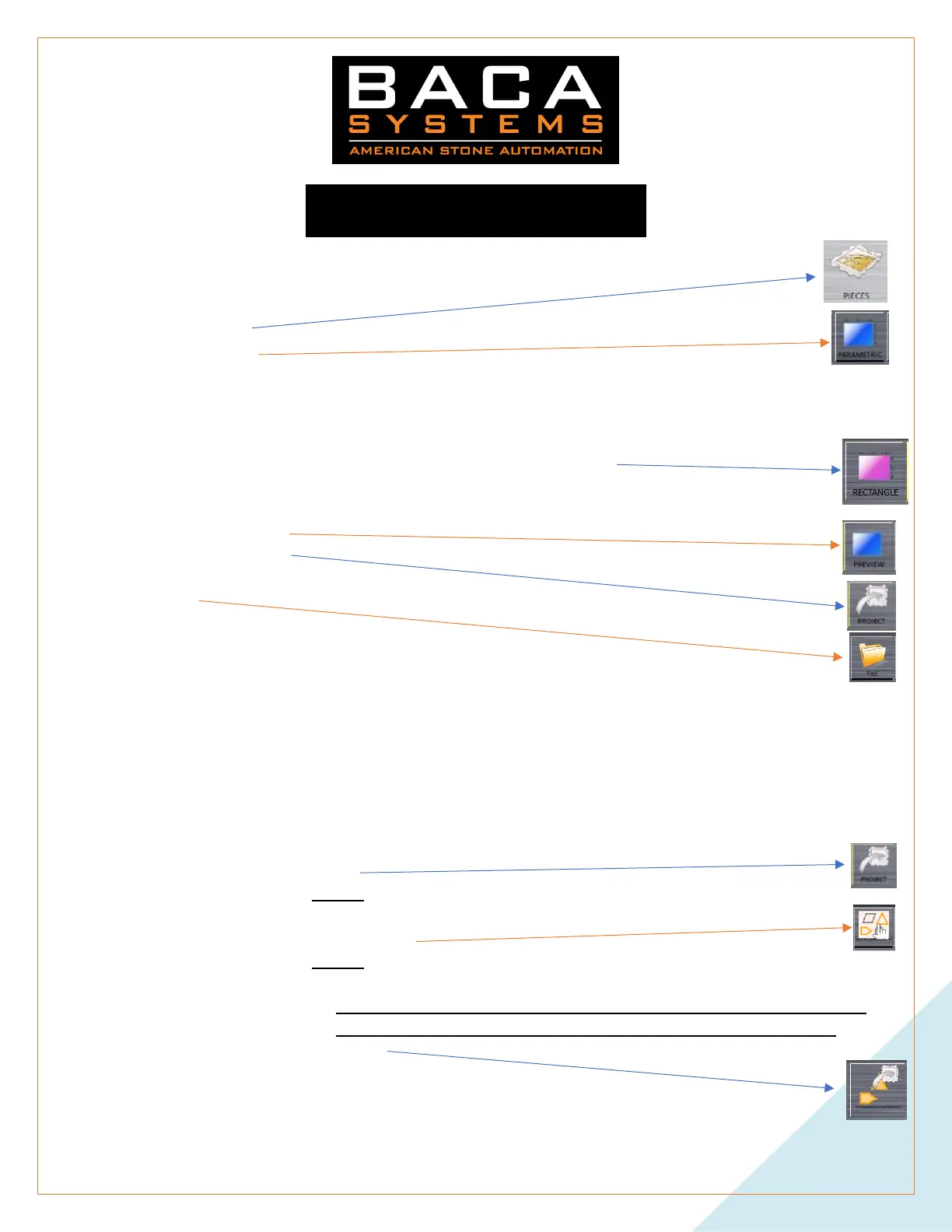
Add Pieces
From the main Menu
1. Select ADD PIECES
a. Parametric
i. This menu has many different types of shapes. It is up to you to decide what and how you use
specific shapes.
ii. Rectangle will be the most common used. And the one that will be used to explain the
procedure of use.
iii. Rectangle is also at the bottom when in Parametric
iv. Click on the RED number on the left side of the piece. Input the width you desire.
v. Click on the RED number one the bottom side of the piece. Input the length you want.
vi. Preview
vii. ADD ALL
viii. See PIECE movement below.
b. File
i. USB
1. DXF files brought over on a flash drive
ii. Path 1
1. DXF files saved to- C:\Users\Public\Documents\Wintag Taglio 34\Touch\Draw
a. Cannot be changed
iii. Path 2
1. This can be changed to other folders on C:
If there are more files than what can be displayed, left click and hold near the right side of the screen. And drag to the
left. This will scroll the screen over.
iv. Click on the DXF you desire.
v. If you want everything in the file
1. ADD ALL
2. Pick INCHES
vi. If you only want certain parts, shapes, or pieces
1. MANUAL SELECT
2. Pick INCHES
3. Click on the shapes that you want
a. You must pick everything individually. If a piece has cutout and or holes, you
must also pick that shapes that are inside of it that you want to process.
4. MAKE PARTS


 To Next Page