MODEL 300 COMBUSTION ANALYZER
Instruction 24-9223 1-7
1.4.3 Middle Display and Select Key
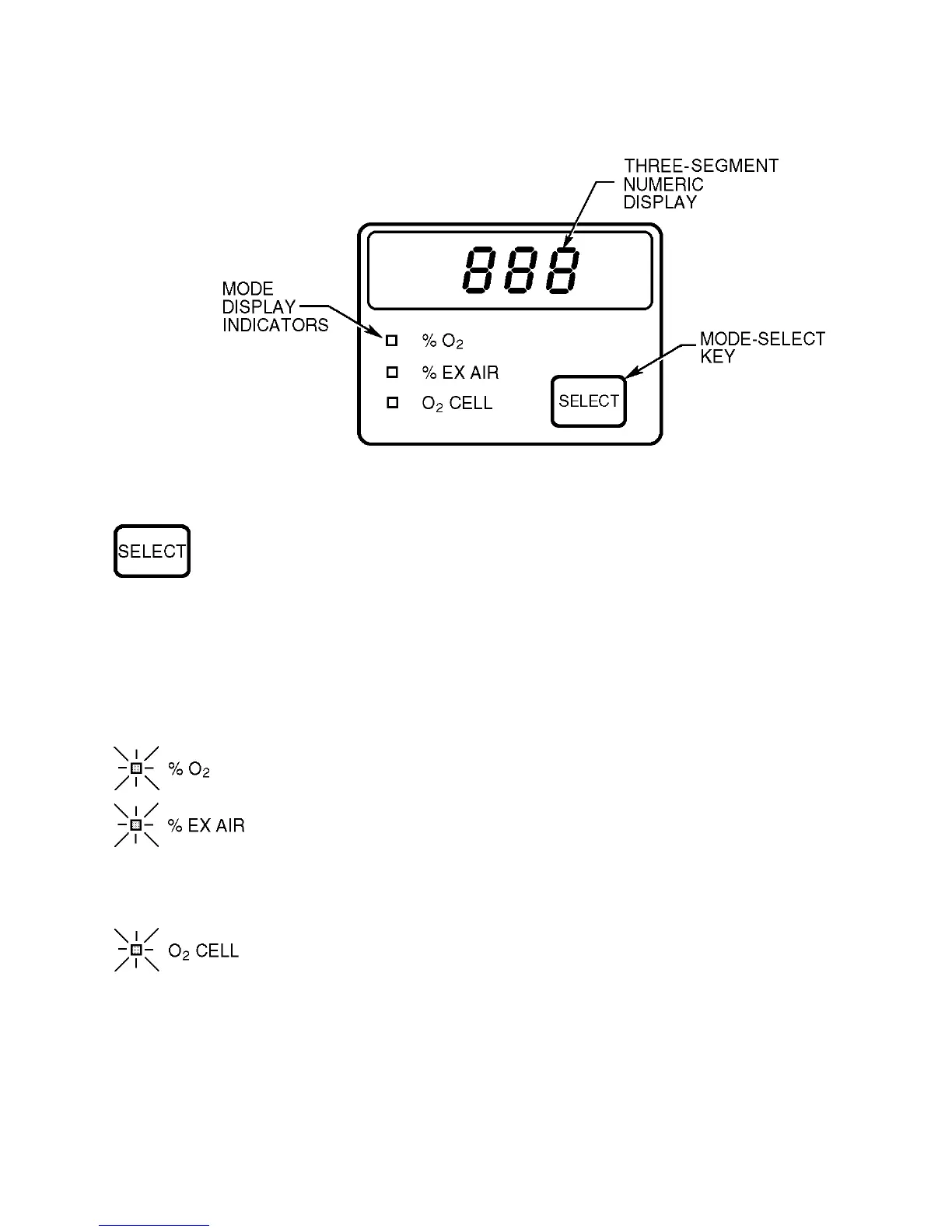
Figure 1-3. Middle Display
Press to show %O
2
, % EX AIR, or O
2
CELL information on the
three-segment numeric display.
The Display Mode Indicators identify what is being shown on
the display.
Display Mode
Indicator Lit Meaning of Display Indication
Oxygen percentage as measured by the O
2
sensor.
Computed excess air percentage is based on the %O
2
detected, the fuel selected, and on the amount of CO
measured. The display shows three dashes if %O
2
is
above 15%.
Millivolt output of O
2
Cell. If indication is below 18
while sampling fresh air, the O
2
cell is nearing the
end of its useful life and should be replaced soon.



 To Next Page