MODEL 300 COMBUSTION ANALYZER
2-4 Instruction 24-9223
2.5 INITIAL START-UP AND ADJUSTMENT
Sensor Checks
Section 2.6 & 4.3
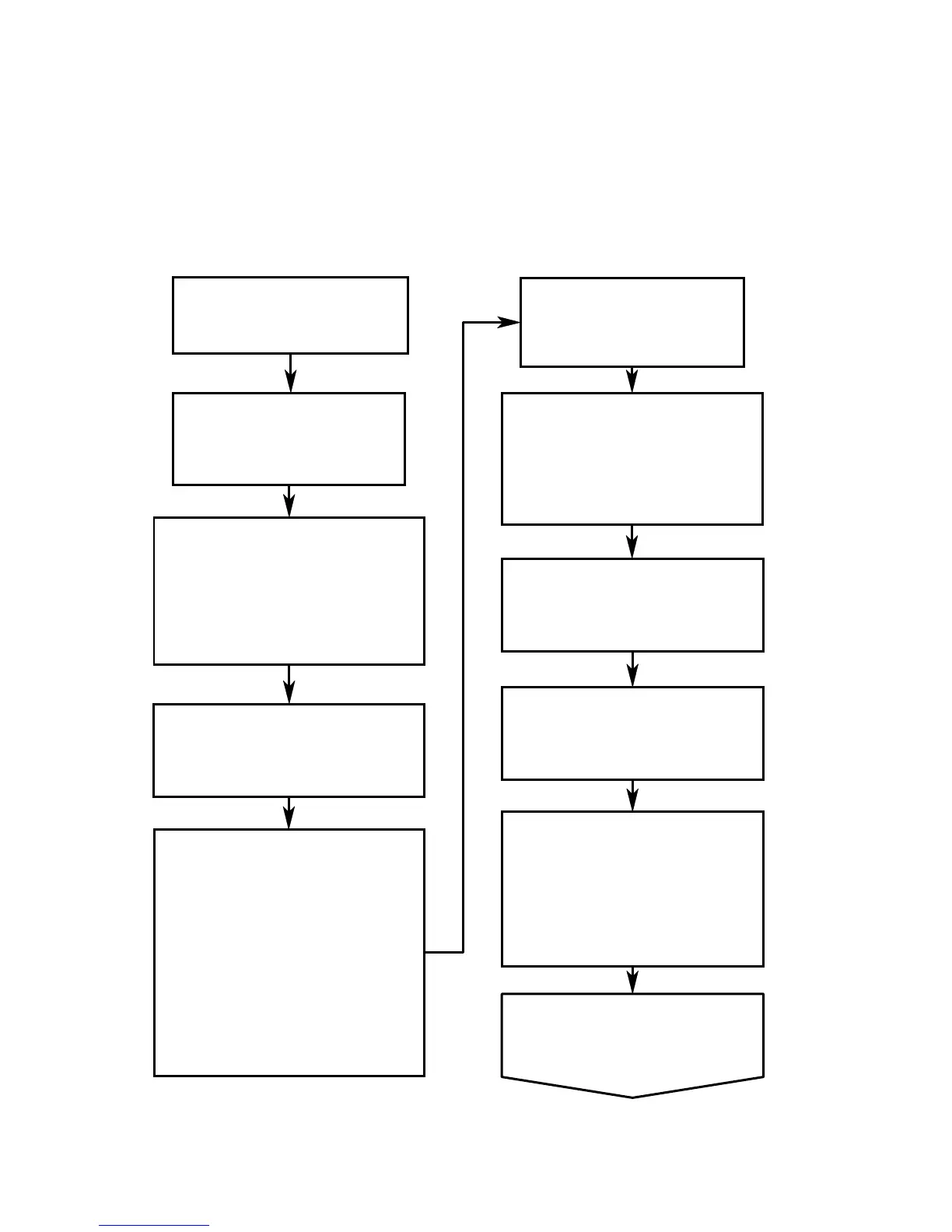
Flow Chart #3
Left Display - Temperature
Middle Display - (20.9)
Right Display - (---)
Opt. Clock - Time
Opt. Displays - (0) ppm
Section 2.5, Step 6
Press RUN, Wait 30 Sec.,
Press RUN
Section 2.5, Step 6
Left Display - (FUEL)
Mid. & Rt. Displays - Blank
Opt. Clock - Time
Opt. Displays - (0) ppm
Section 2.5, Step 5
At the End of the 60
Second CAL Cycle
Section 2.5, Step 5
Press CAL
Pump LED - ON
Left Display - (CAL)
Mid. Display - Oxygen
Sensor Output Level
Right Display - Count Down
Opt. Clock - Time
Opt. Displays - May Show 0
Section 2.5, Step 4
Place Probe in Ambient
Enviroment, Press CAL
Section 2.5, Step 3
Left Display - (CAL)
All Other Displays - Dark
Opt. Clock - Time
Pump Starts
Section 2.5, Step 2
After 5 Seconds
all displays light
Section 2.5, Step 2
Turn ON Unit
Section 2.5, Step 1
Flow Chart #2
INITIAL START-UP
Section 2.5 & 4.3
Press FUEL, Until Fuel
Choice is Displayed
Section 2.5, Step 5



 To Next Page