Page 14 of 28 BACTcontrol – Software Manual – V0.1.15 microLAN b.v.
6.4 DETAILS
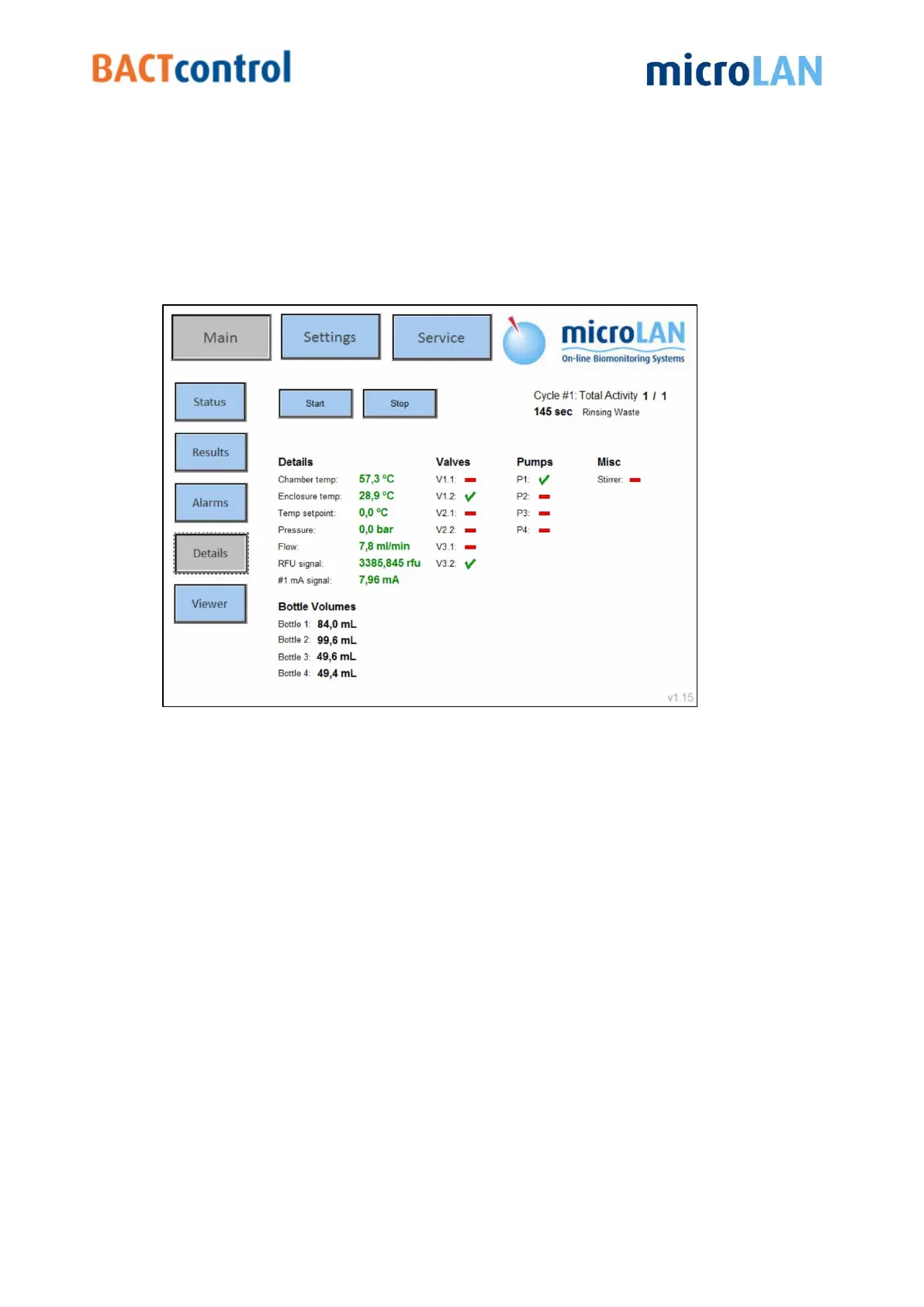
Process details such as measurement step, temperature, volume of solutions, status
of valves and pumps are displayed in Details section.
When, for instance, there is no water flow or a solution should be replaced, an
instrument alarm will appear. For instructions regarding the replacement of solutions
see user manual chapter 8.1.2 (Daily maintenance).
Figure 9 Details screen


 To Next Page