microLAN b.v. BACTcontrol – Software Manual – V1.15 Page 9 of 28
4. HARDWARE START-UP
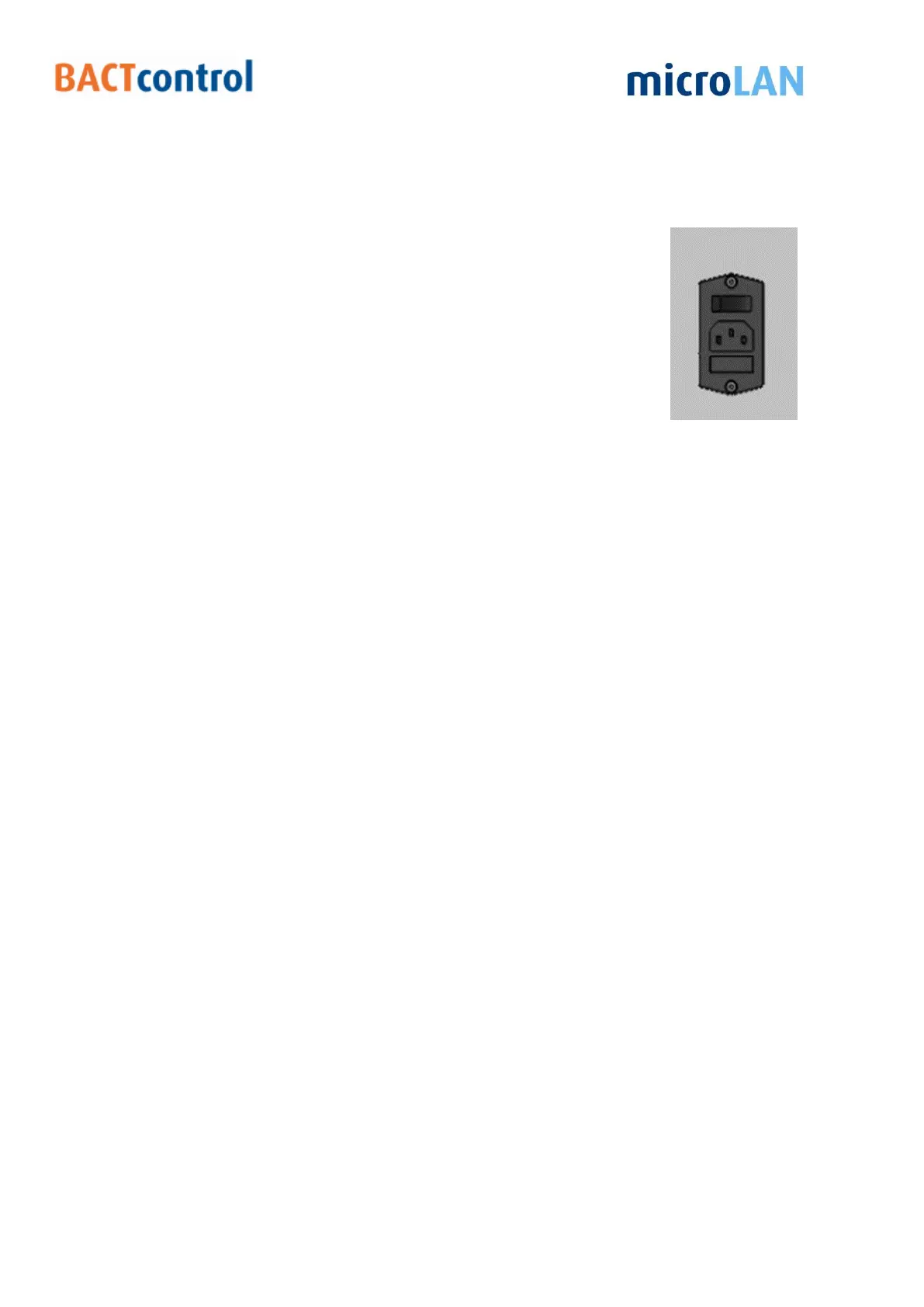
Connect the BACTcontrol to a 230 VAC / 50 Hz power outlet (if 115V / 60 Hz is used
check with your supplier whether the system is converted for this).
Switch on the main switch,.
The display of the BACTcontrol will light on. The software of the
BACTcontrol starts automatically.


 To Next Page