Care2
Installation Instructions
74 Care2 issue 7
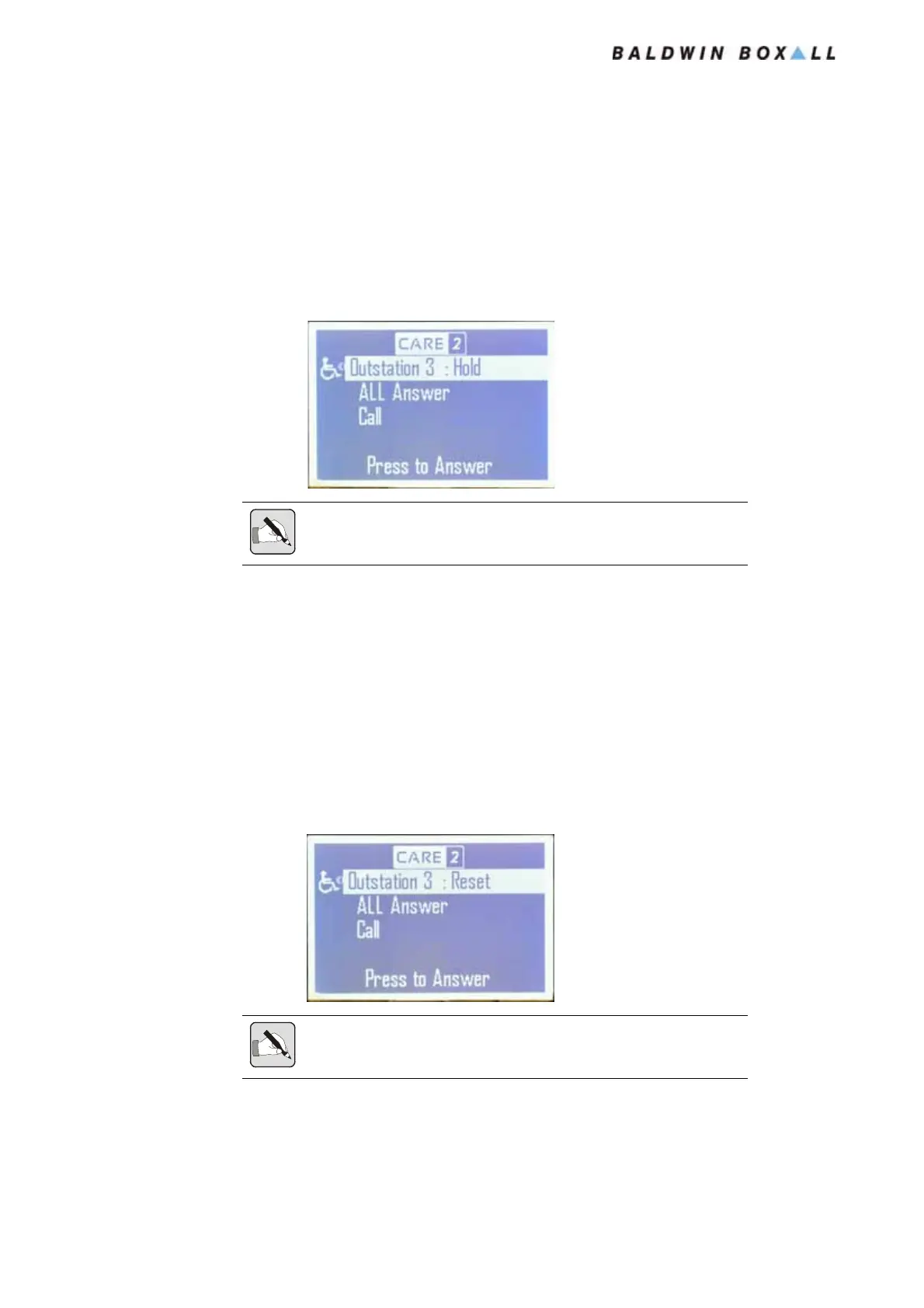
6.3 PLACE CURRENT CALL ON “HOLD”
The Current Call can be placed on “Hold” by either:
Pressing the Encoder, or
Shutting the Handset Door.
Figure 6.7 — LCD Display showing Outstation 3 on Hold
6.4 END A CALL
Press and hold the encoder while in conversation with the
Outstation (e.g. while the LCD is indicating Busy).
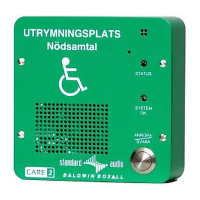
After two seconds the LCD Display will indicate “Reset”, and will
then return to the “Directory” menu.
Figure 6.8 — LCD Display showing Outstation 3 is being Reset
NOTE: The Outstation will remain on Hold until the Console operator
retrieves the Call.
NOTE: Calls can only be ended while "Busy" (in conversation).
It is not possible to end calls that are on "Hold".
www.acornfiresecurity.com
www.acornfiresecurity.com


 To Next Page