1.20 Appendix C. Tested ARM platforms 279
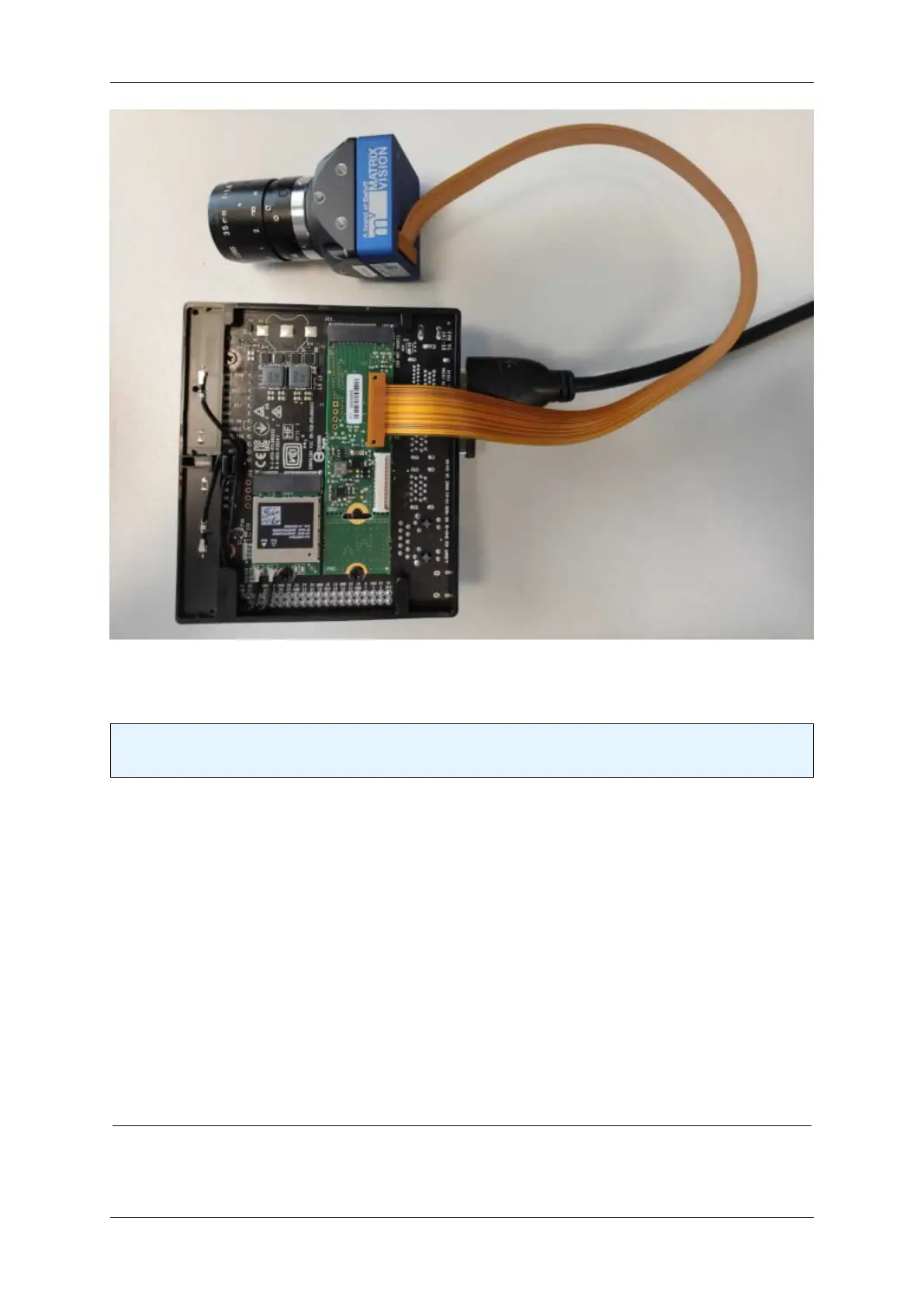
Test setup (back side)
Note
The mvBlueNAOS device uses 4-lane PCIe 2.0 on the NVIDIA Jetson Xavier NX.
1.20.1.2.2.2 Results The following tests have been performed using different de-Bayering scenarios to achieve
the max. FPS while maintaining 0 lost images. The CPU load during the acquisition is also documented below.
Scenarios that have been tested are listed as follows:
1. When de-Bayering is carried out on the camera: The camera delivers RGB8 image data to the host system.
This setting results in a lower CPU load but a lower frame rate.
2. When de-Bayering is carried out on the host system: The camera delivers Bayer8 image data to the host
system. The Bayer8 image data then get de-Bayered to RGB8 format on the host system. This setting results
in a higher frame rate but a higher CPU load as well.
3. When no de-Bayering is performed: The camera delivers Bayer8 image data to the host system. No de-←-
Bayering is performed. This settings results in a lower CPU load and a higher frame rate. The behavior is
identical to monochrome cameras.
MATRIX VISION GmbH


 To Next Page