R5900096 /00 CX-5072
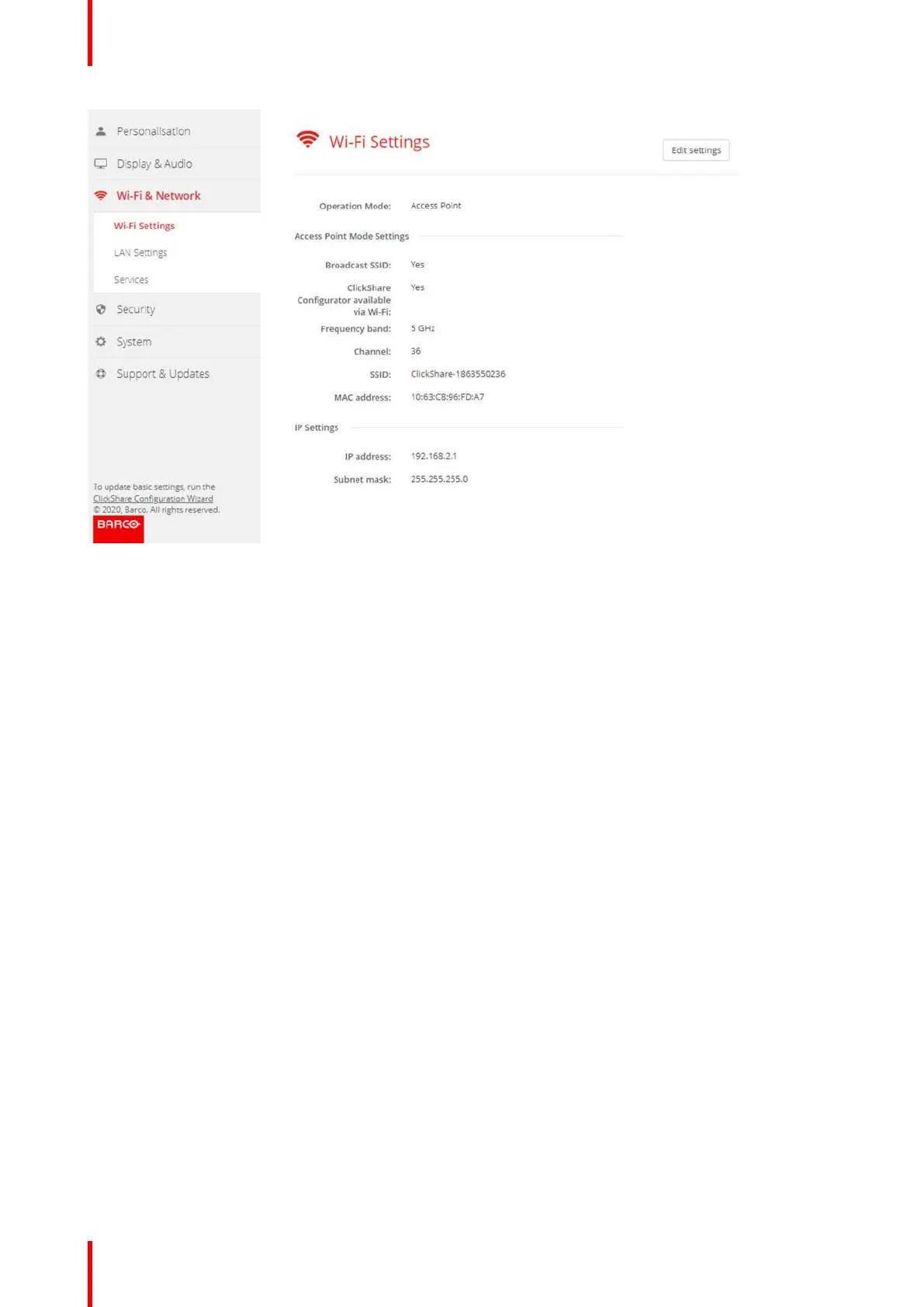
Image 6-18: WiFi settings
When operational mode is set to Off. The following info is given: “When disabling the access point, the Buttons
will need to be integrated in the corporate network. This is not supported yet.”.
Click on here to start the button configuration. For more info, see “Buttons”, page 86.
To change any WiFi-setting, click on Edit settings. The view depends on the previous selected operational
mode. Here given with Access Point selected.
CX-50 Configurator















 To Next Page