R5900096 /00 CX-50 73
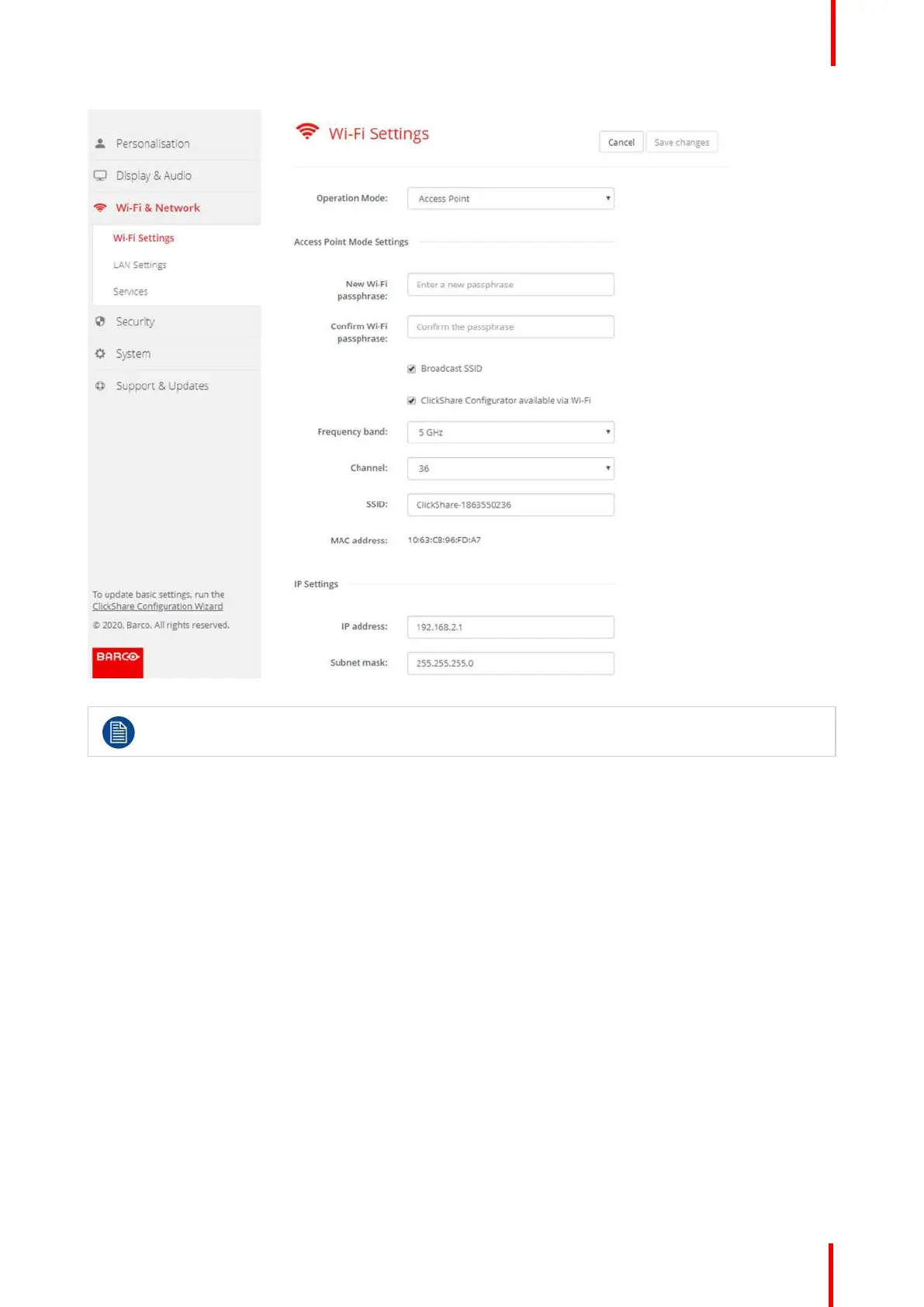
Image 6-19: WiFi settings, edit
Changing the IP address will require a repairing of the Buttons used with this Base Unit.
Change operational mode
1. Log in to the Configurator.
2. Click Wi-Fi & Network → WiFi Settings.
3. Click Edit settings.
4. Click on the drop down box next to Operational Mode and select the desired mode.
The following options are possible:
• Access Point: continue with the next blocks in this topic.
• Off
About frequency band & channel selection
In an ideal setup, overlapping channels should not be used for two ClickShare Base Units within range of each
other. As the channels in the 2.4 GHz band overlap with each other, best practice is to use channels 1, 6 and
11 on a single floor. On floors above and below, the channel pattern will be shifted to avoid overlap between
floors, e.g. by placing channel 6 at the center of the illustrated pattern.
CX-50 Configurator















 To Next Page