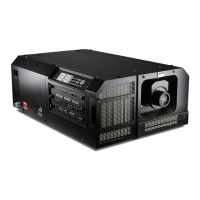
5. Lenses & lens holder
5. LENSES & L ENS HOLDER
About this chapter
This chapter gives an overview of available lenses for the DP2K C-series projectors and explains how you can select the best suited
lens for your specific situation using the lens calculator. Also, it is explained how to ins tall and r emov e a lens from the projector
lens holder and how you can shift, zoom and focus the lens . Furthermore, it is described how you can perform the Scheimpflug
adjustment.
CAUTION: Never transport the projector with a Len s mounted in the Lens Holder. Always remove the Len s
before transp orting the projector. Neg lecting this can da mag e the Lens Holder and Prism.
Each time a lens is manipulated (e.g. remo ved and installed in a p rojector), it needs to be homed and returned.
Overview
• Available lenses
• Lens selection
• Lens removal
• Lens installation
• Lens shift, zoom & focus
• Scheimpfl ug adjustmen t
5.1 Available lenses
Which lenses are available f or my projector?
The table below is su bject to changes and was last updated on 01/06/2012. Con sult my.barco.com for the m ost
recent information about available lenses.
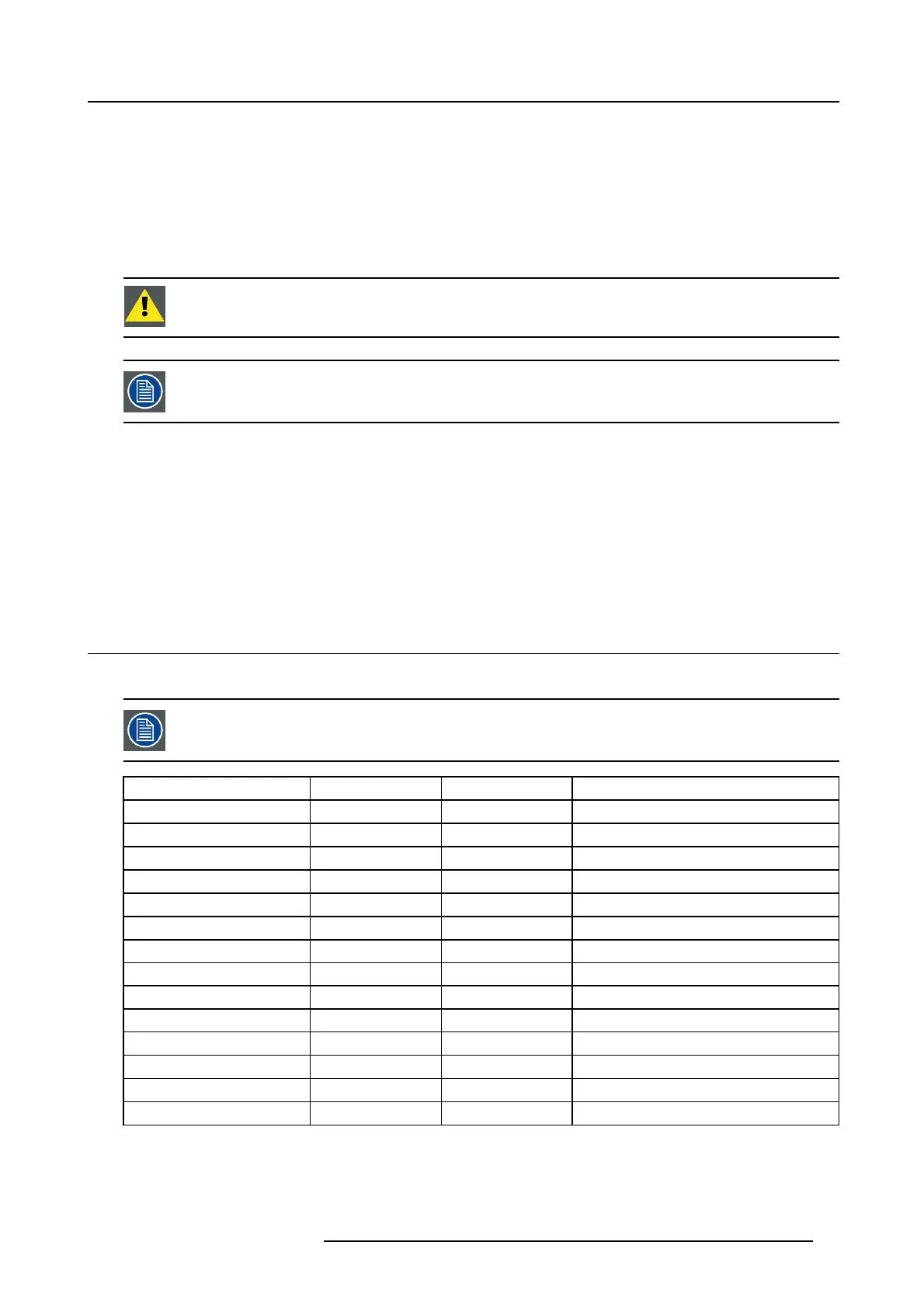
Product Number Type Zoom range Image
R9855957 Motorized 1,2 – 1,81 image 5-1
R98559571 Manual 1,2 – 1,8
R9855931 Motorized 1,4 – 2,05 image 5-2
R98559311 Manual 1,4 – 2,05
R9855932 Motorized 1,6 – 2,5 image 5-3
R9855933 Motorized 1,6 – 2,5 image 5-4
R98559321 Manual 1,6 – 2,5 image 5-5
R98559331 Manual 1,6 – 2,5
R9855934 Motorized 1,95 – 3,2 image 5-6
R9855935 Motorized 1,95 – 3,2 image 5-7
R98559341 Manual 1,95 – 3,2 image 5-8
R98559351 Manual 1,95 – 3,2
R9855936 Motorized 2,4 – 3,9 image 5-9
R98559361 Manual 2,4 – 3,9
R5905050 DP2K C-SERIES 10/07/2012 37



 To Next Page
 Loading...