12. Convergence
2
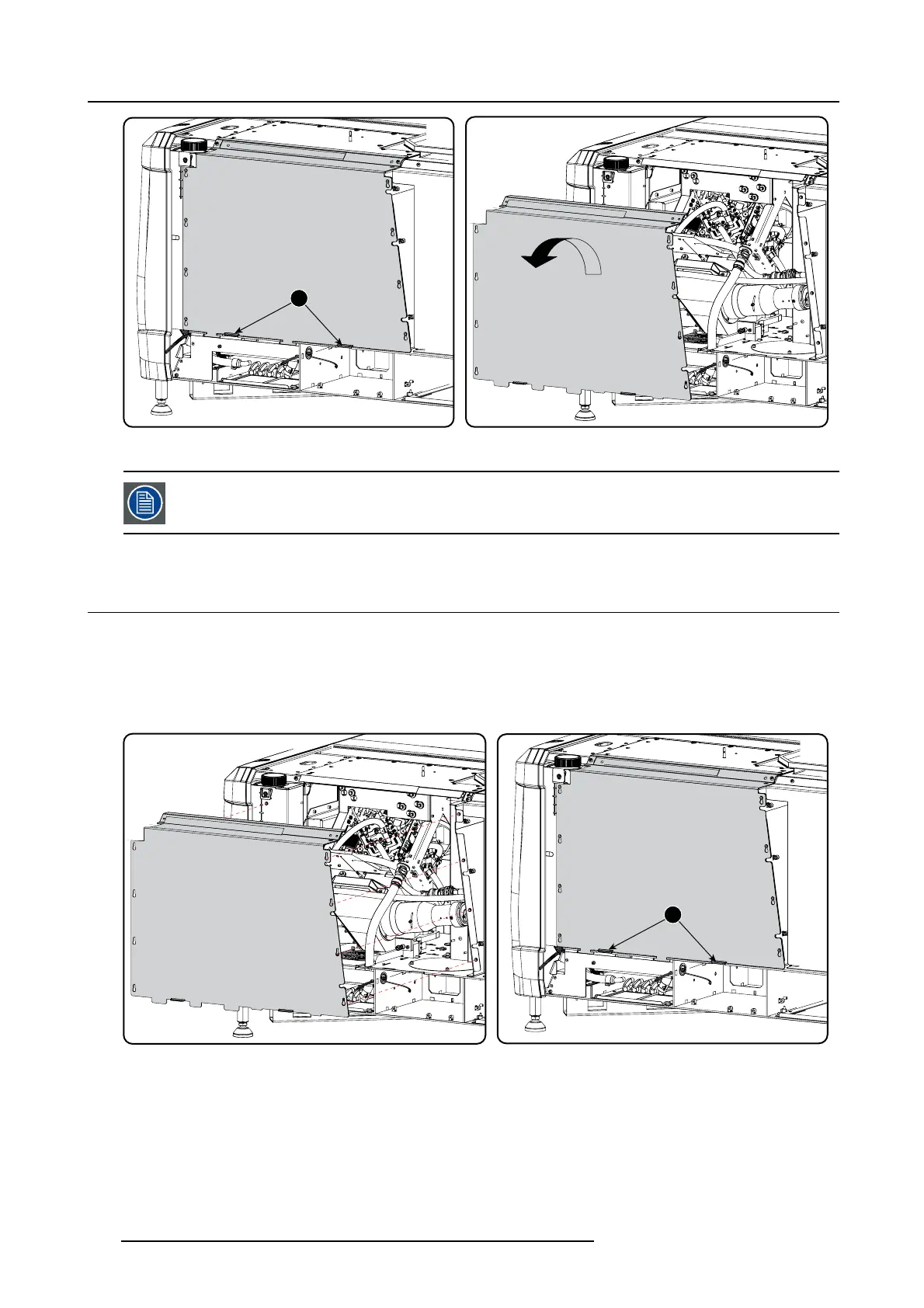
Image 12-2
Sealed cover, remove
A security warning will be displayed o n the projector. Execute the procedure “Authorization to clear security
warning on the projector”.
12.2 Close the sealed compartment
Necessary tools
3 mm A llen wrench
How to close the sealed compartment
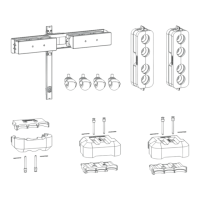
1. H ook the cover p late on the studs.
2
Image 12-3
Sealed cover, m ount
2. Slide the cover downwards by pushing on both lips until it is in its correct position.
3. D rive in both fixation screws (1).
102
R5905067 DPXK-19B/23B/P 17/09/2012



 To Next Page