9. Projector registration
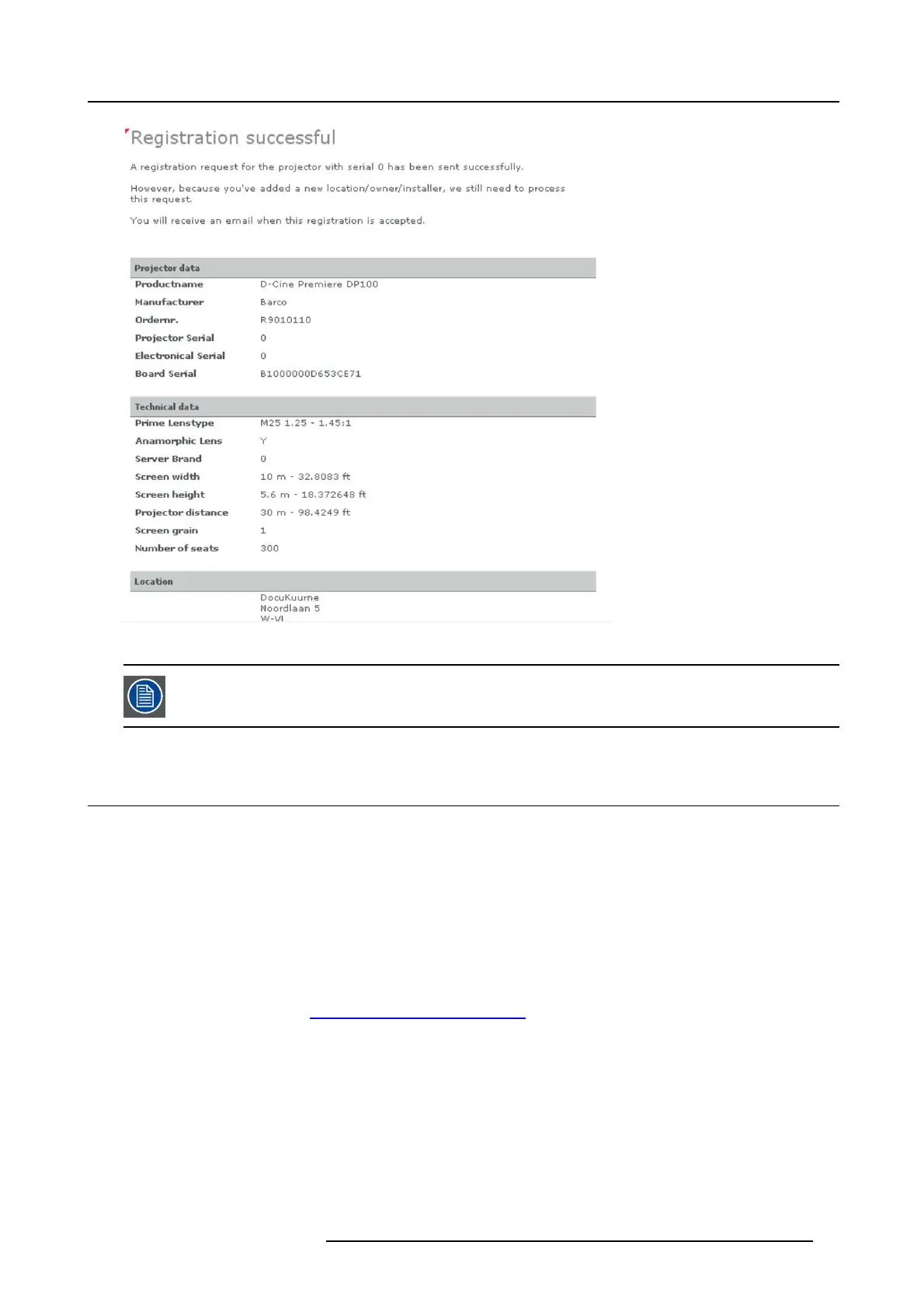
Image 9-10
Registration successful
When an update of the data is necessary, due to e.g. location change or contact person change an update of
the registration is necessary. S tart the update procedure.
9.4 Update registration of an existing projector
When should it be used ?
An update of the registration of an existing projector should be done in e.g. one of the following cases:
• relocation of the projector
• new owner
• new contact person
• and w hen any of the registered data is changed.
How to update
1. First get a new certificate file. See "Download the certificate file", page 73.
2. Go to Barco’s Partnerzone on h
ttps://secure.barco.com/digitalci nema/.
3. L ogin into the par tnerzone.
Click Register DC pro jector and select Update DC projector.
R5905067 DPXK-19B/23B/P 17/09/2012
79



 To Next Page