2. General
1
2
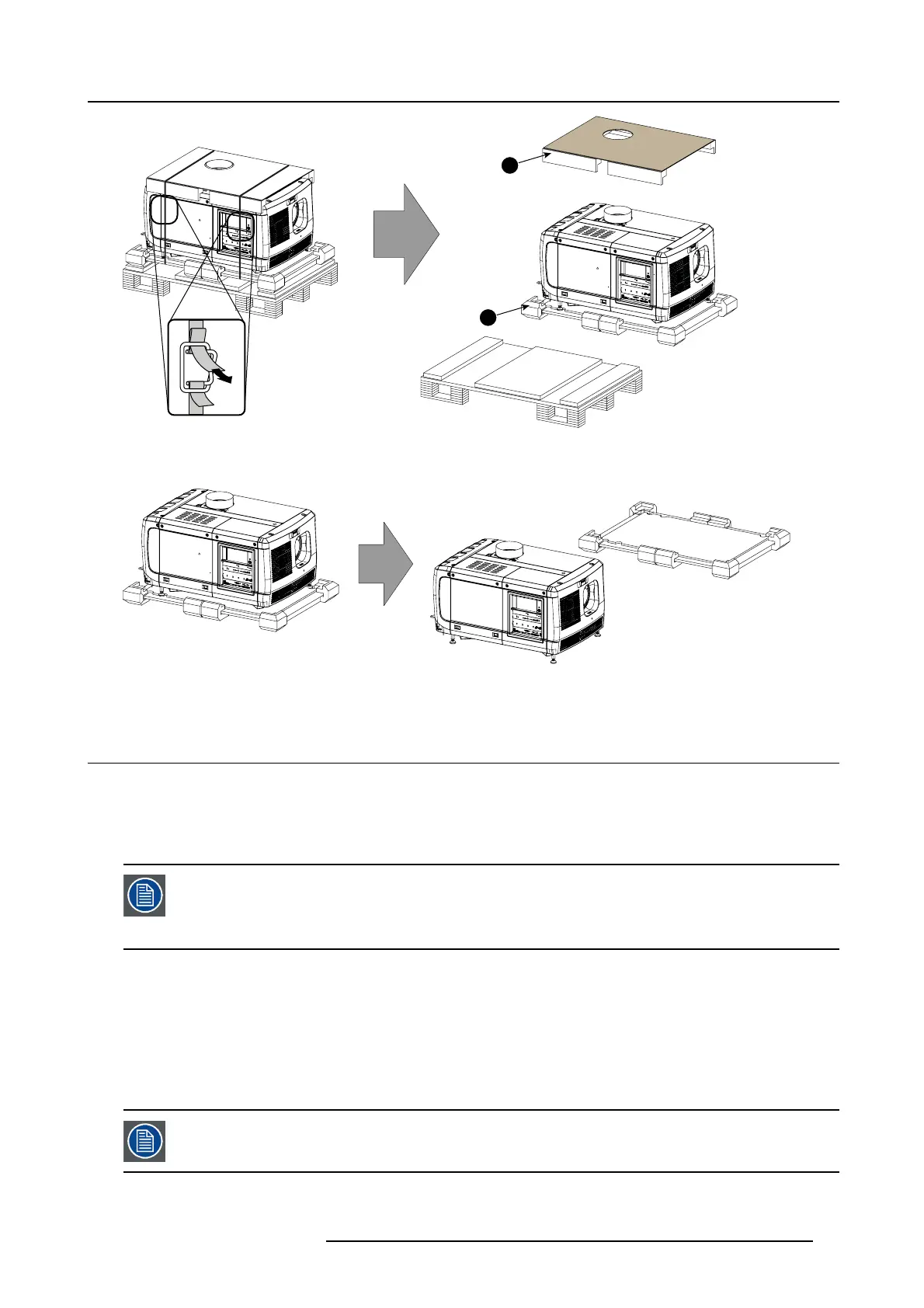
Image 2-4
Remove wooden pallet
5. Take the projector from the wooden boa rd by gripping the bottom of the pr ojector and place the projector on the pedestal.
Image 2-5
Remove projector
2.3 Initial inspection
General
Before shipment, the projector w as inspected and found to be free of mechanical and electrical defects. A s soon as the projector is
unpacked, inspect for any dam age that m ay have o ccurred in transit. Save all packing m aterial until the inspection is completed. If
damage is found, file claim w ith carrier imm ediately. The Barco Sales and Service office should be notified as soon as poss ible.
The packaging of the B-se ries p rojector is provided with a shock-watch label. If this shock-wat ch label was
triggered (red colored at arrival) during transport, indicates that the package was possibly rou ghly handled b y
the transport co mpan y. In this case, the instructions mentioned on the label, should be followed, which are:
adding a note on the “bill of lading” a nd informing the transport company an d the B arco sales an d service
office as soon as p ossible.
Box content
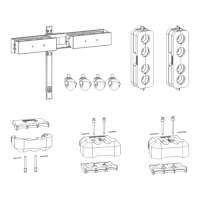
After unpa cking the projector it is recom men ded to check if all following items where included:
• One short power link cable (mono phase) (in c ase no U PS is used) - Installed on projector.
• This manual (installation manual).
•CD
• Safety manual
The projector lens and xenon l
amp are not included in the package of the projector.
R5905067 DPXK-19B/23B/P 17/09/2012 13



 To Next Page