9. General operation example
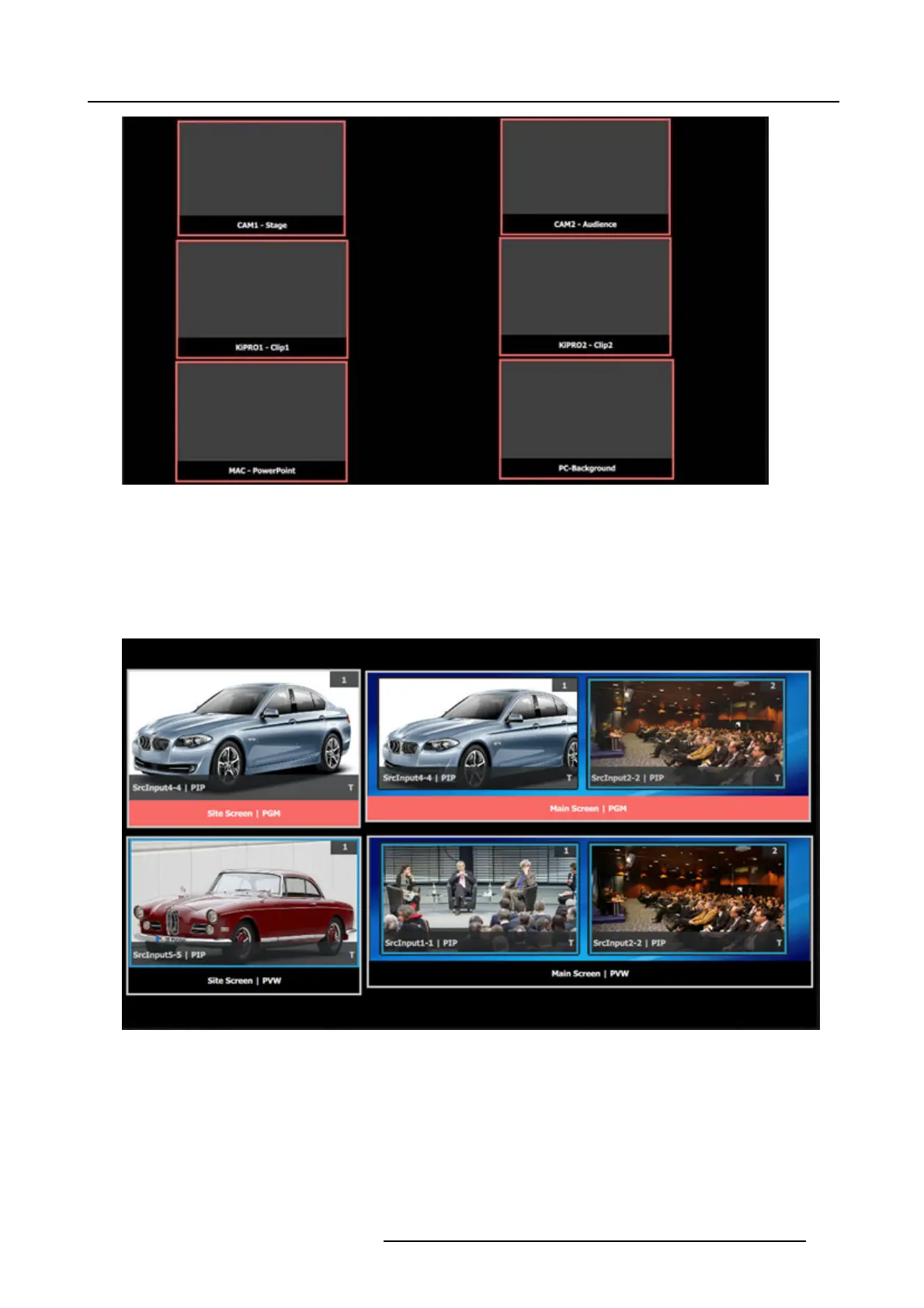
Image 9-27
Setup the “Program/Preview” window
1. Click on the top tab that is labeled “MVROut2”.
2. Click on the Dest ination tab and the top of the right hand side.
3. Drag th e Program and Previews under the Site and Main Screens into the window area.
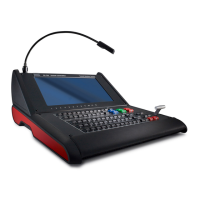
4. Resize and arrange the PIPs so they appear as follows:
Image 9-28
R5905948 EVENT MASTER DEVICES 17/07/2017 283



 To Next Page