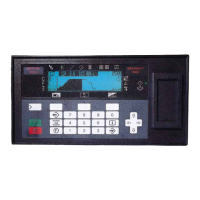
5. Front Panel Menu orientation
5. FRON T PANEL MENU ORIENTATION
About this chap ter
This chapter describes the front panel menus of the Event M aster units (E2 and S3 series), including how they are accessed and
the functions or parameters that are available. The menu trees are presented in block diagram format throughou t the chapter.
Overview
• Power-up initialization
• Front Panel menu tree
• Using menu system
• About Status m enu
• About Setup m enu
• About the System menu
• System menu > Black Invalid
• System menu > USB device (Backup/Restore)
• System m enu > Ethernet
• System m enu > VFD brightness (display brightness)
• System menu > Diagnos tics
• System m enu > Lock front panel
• Using the Tech Support menu
• Restoring Factory Default Settings
• Firmware U pgrade
•SaveAll
R5905948 EVENT MASTER DEVICES 17/07/2017
63



 To Next Page