12. Controller Operation
12. CON TROLL ER OPERATION
About this chap ter
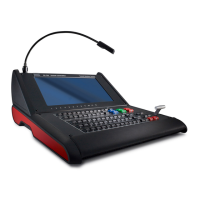
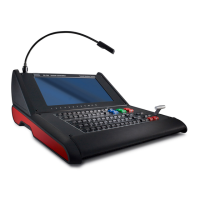
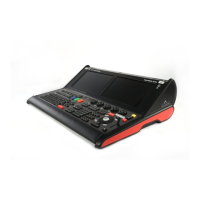
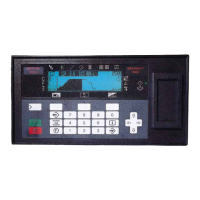
This chapter describes the proper usage of the EC -30, EC-50, and EC-200 controllers. The left-hand side of the E C-200 and the
EC-50 are identical in ope ration.
Overview
• General Overview
• EC-200 Firmware Upgrade
• How to power down the EC-200
• How to reboot the EC-200 CPU
• How to select destinations
• How to use the Lay er buttons
• What are Layer executers?
• How to use assign Buttons
• How to use the page arrow buttons
• How to use transition buttons
• How to use the T-bar
• How to use the Contextual Display Buttons
• EC-200 Philosophy
• Function Button For Syntax
• Additional direct acc ess and fu nctionality
R5905948 EVENT MASTER DEVICES 17/07/2017
323



 To Next Page