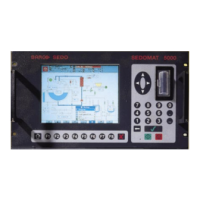
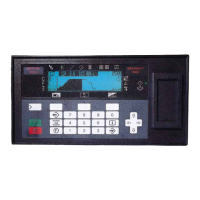
5. Front Panel Menu orientation
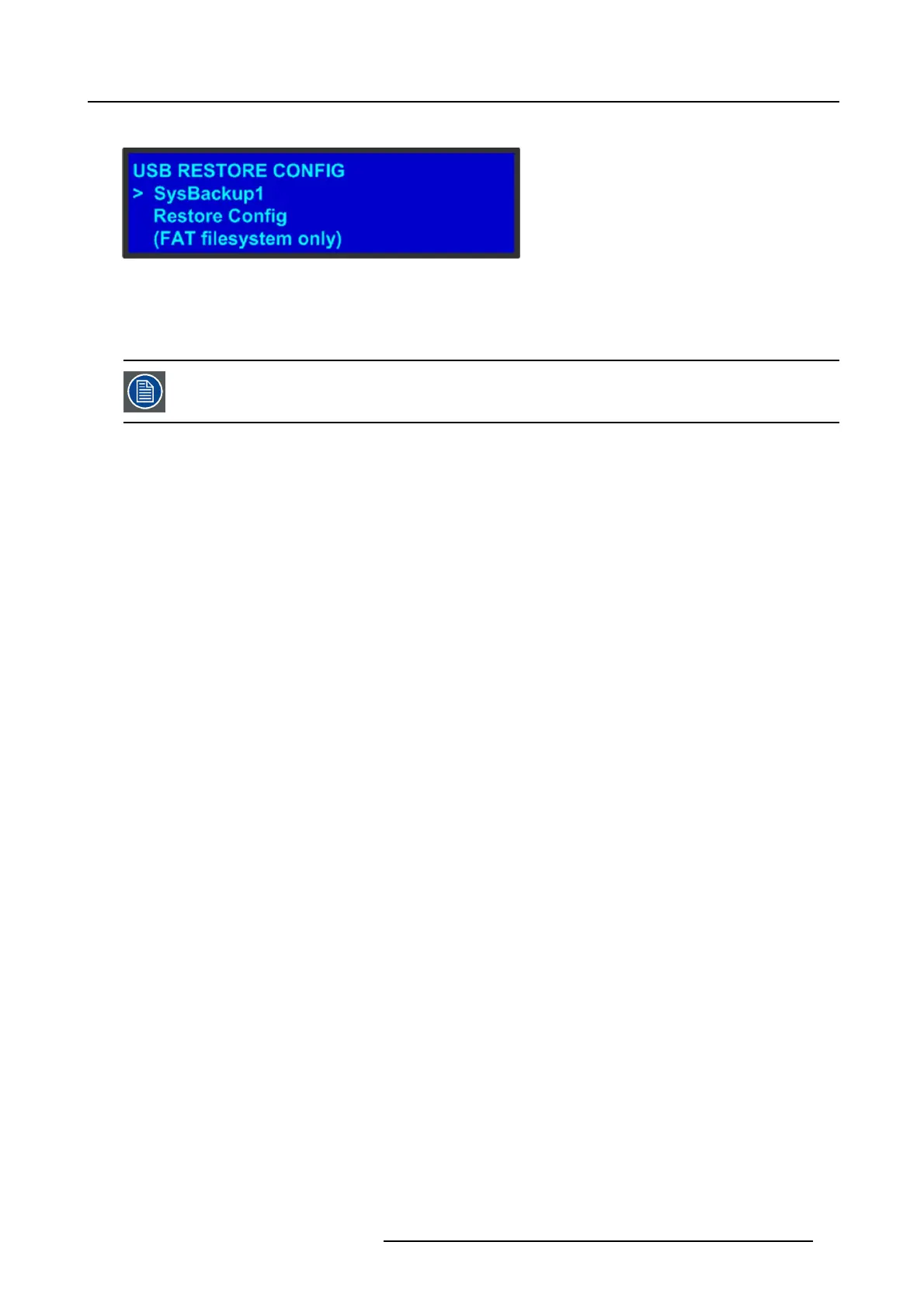
The USB Restore Config subm enu appea rs, as shown in the following illustration.
Image 5-12
3. Press SEL and scroll through the list of configuration files. When you locate the file you w ant, press SEL again.
4. Scroll to Restore Config and press SEL.
A message confirms the restore operation and instructs you to reboot the Ev ent Master unit.
You must reboot the Event Master unit to u se the restored configuration file.
Howtocreateaconfiguration offline and transfer it to a live unit?
When working in the Event Master Toolset S oftware with a simulator, it is now possible to create a c on figuration offline and then
transfer it to a live unit.
1. System c reation:
a) Create your system offline using the simulator. This includes sy stem configuration, presets, MV R, etc ...
b) Press the S ave icon.
2. Copy the XML file on the USB device:
R5905948 EVENT MASTER DEVICES 17/07/2017
73



 To Next Page