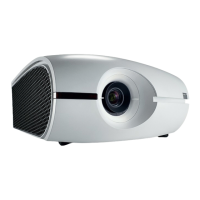
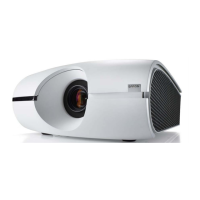
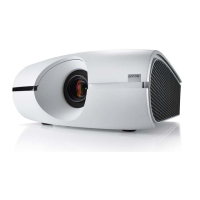
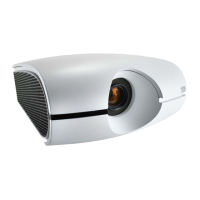
6. Maintenance & Service
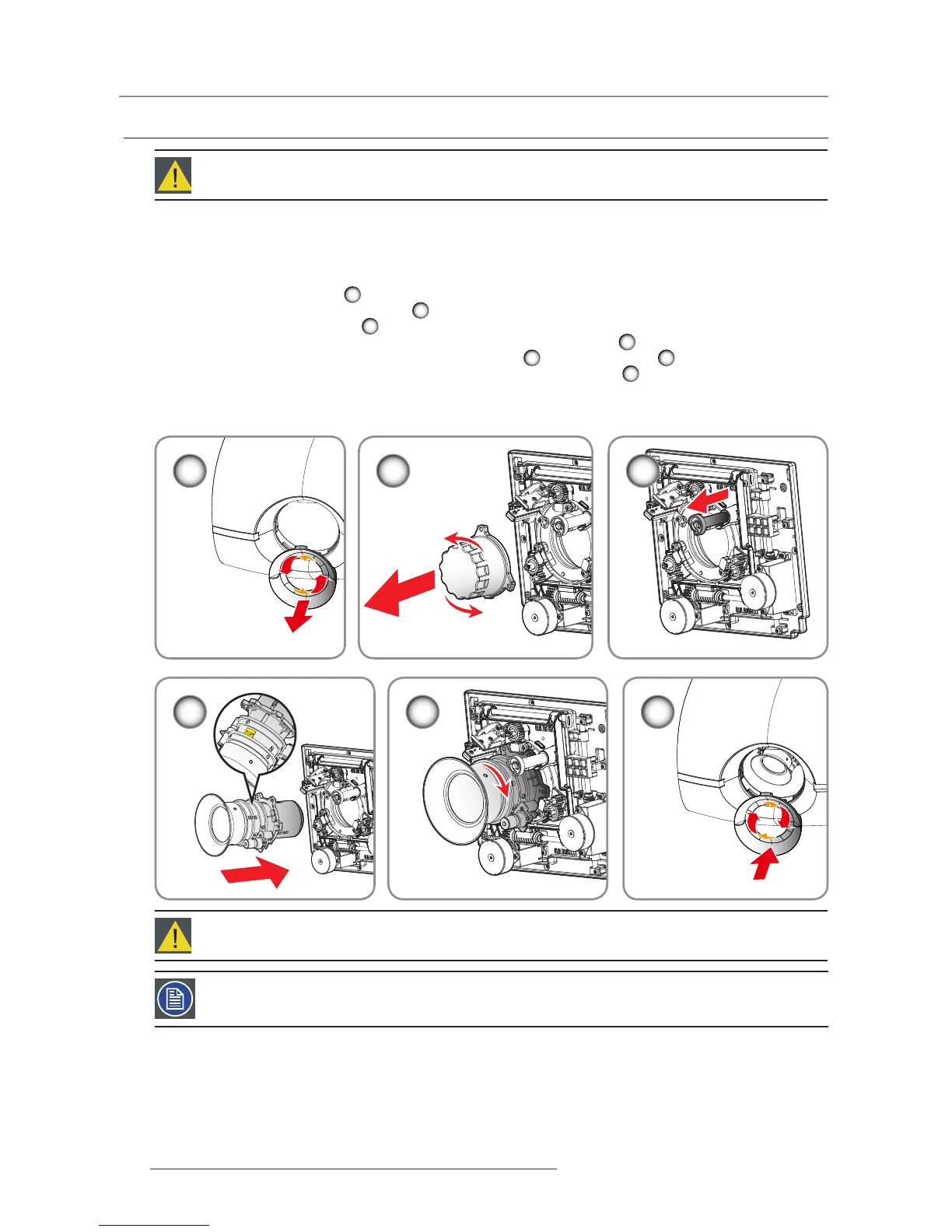
Turn the projector off and unplug the power cord. 1.
Allow the projector to cool down for at least 1 minute then start the lens 2.
replacement.
Remove the lens ring cover. 3.
1
Remove the lens cap counterclockwise. 4.
2
Pull the bar to release the lock. 5.
3
Be sure the label of lens is upward and then push the lens into the position. 6.
4
Rotate the lens clockwise to lock the lens while pull the bar 7.
3
to release the lock.
5
Put the lens ring cover back to its place. Push rubber ngers over lens edge.8.
6
To replace the lens module, reverse the previous steps.9.
Lens cap should be removed before installing. If not it will damage the projector.10.
6.3 Replacing the Lens
Procedure:
1
5 6
2 3
4
Warning: This procedure may only be performed by qualied technical service personnel.
Caution: Do not transport the projector with any lens installed.
Note: Please verify that all the plastic caps removed from the lens prior inserting in the projector.


 To Next Page
 Loading...