Manual 2100-684
Page 5 of 25
BASIC OPERATION
BASIC SETUP
These instructions are intended to provide the basic settings to get the equipment started.
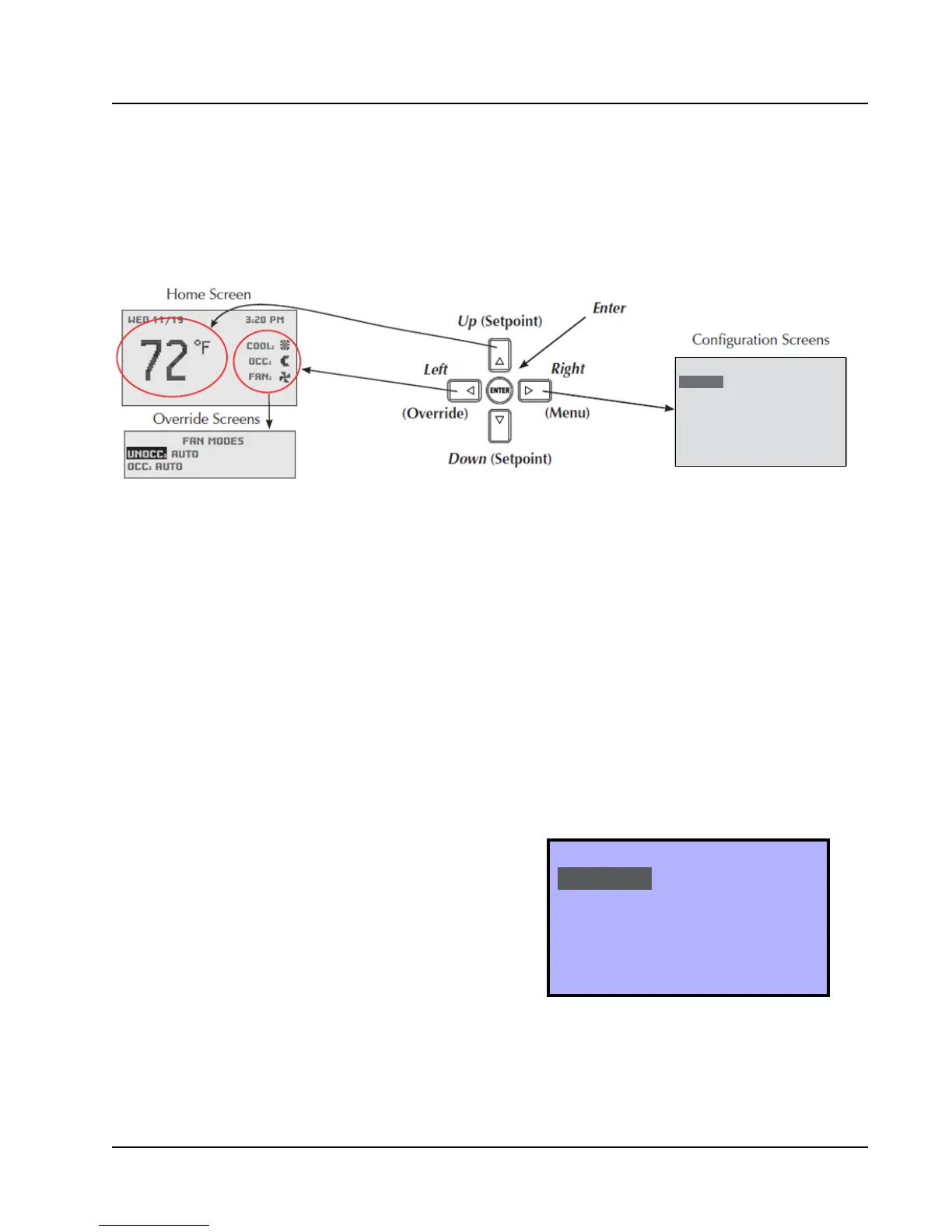
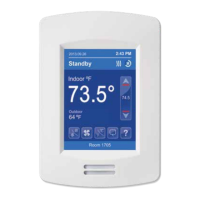
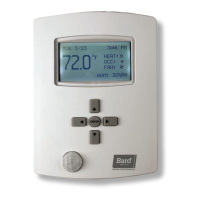
FIGURE 2
CompleteStat Buttons and Home, Overide and Configuration Screens
Navigate the menus and change settings by pressing a
combination of the four arrow buttons and the ENTER
button.
• ENTER button to select and/or exit value editing
• UP or DOWN button to move among entries
• RIGHT or LEFT button to move among value fields
• LEFT button to return to the home screen
NOTE: Although cooling/heating setpoints can be
accessed by simply pressing the UP or DOWN
buttons during normal operation, any changes
made in this fashion will not be permanent
but last only for a specific length of time as an
“override” feature. See Setpoints on page 9 for
further information.
NOTE: The screen will revert back to the home screen
if inactive for “X” number of seconds (factory
default is 120 seconds). See page 14 in
the latest version of CompleteStat Controller
Advanced Programming & Features 2100-685
for information on adjusting the inactivity
setting.
NOTE: If the screen includes up and down arrows in
the upper corners (as shown in Figure 7 on
page 7), additional choices can be found by
continuing to press the UP or DOWN buttons.
MAIN MENU
SYSTEM
SETPOINTS
DATE/TIME
TECHNICIAN
ABOUT
APPLICATION
DEGREES: ºF
UNIT_TYPE: HP
OPT: 2 STAGES
ADDITIONAL SETUP
FIGURE 3
Application Menu
QUICK START PROGRAMMING
System Selection
To select A/C or HP, stages of heating and cooling, and
with/without economizer:
1. Press RIGHT button to access Main Menu screen.
2. Press DOWN button to scroll to TECHNICIAN.
Press ENTER button.
3.
Controller will ask for password. Press UP and RIGHT
buttons to enter ‘BARD’. Press ENTER button.
4. Press ENTER button again to enter the
APPLICATION menu (see Figure 3).
5. Press ENTER button again to choose DEGREES.
NOTE:
The UNIT_TYPE category must be set to “NOT
CONFIGURED” before the controller will allow
the scale to be changed (see step 7 on page 6).


 To Next Page