BARIGO E7/E7S
button to select the submenu POINT (altitude point).
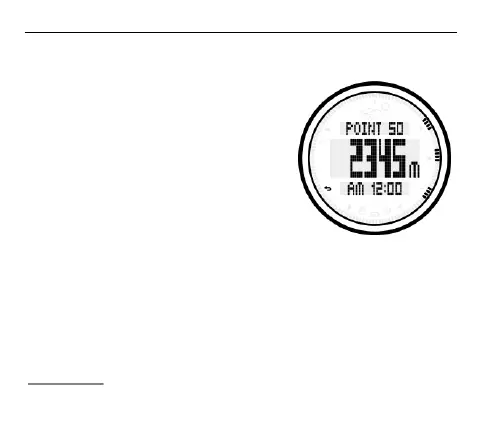
The most recently altitude point now
appears in the following screen display
if you have saved more than one
altitude point.
If you want to view more altitude points,
press the S1 or S3 button to scroll
through the individual altitude points.
Press the S1 button to bring the display
to the first altitude point. Each time you
press this button will take you to the next altitude point. Press the S3
button to scroll backwards from the altitude point which was set
most recently.
The consecutive number (1 to 50) of the altitude point is shown in
the upper row of the display; the altitude is shown in the middle row;
and the date and time when the altitude point was set in the lower.



 To Next Page