BARIGO – Makes the Difference
Deleting altitude points
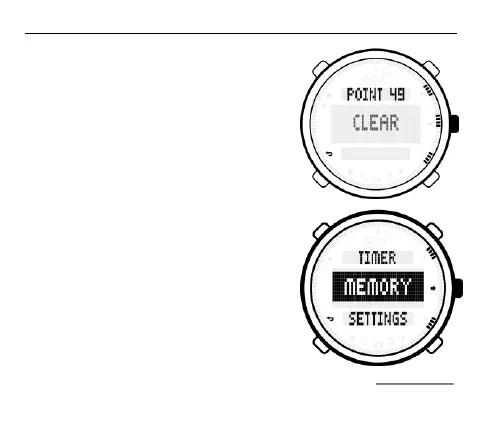
To delete the altitude points, keep the
S2 button pressed down until the
CLEAR message appears.
You can only delete one altitude point
per deletion. If you want to delete addi-
tional altitude points, repeat the process.
When the submenu name POINT ap-
pears, the altitude point memory is
empty.
Viewing saved logs
If you selected MEMORY in the main
selection menu, afterwards, press the
S2 button again. Now press the S1 or
S3 button to select the submenu point
LOG (log).



 To Next Page