BARIGO E7/E7S
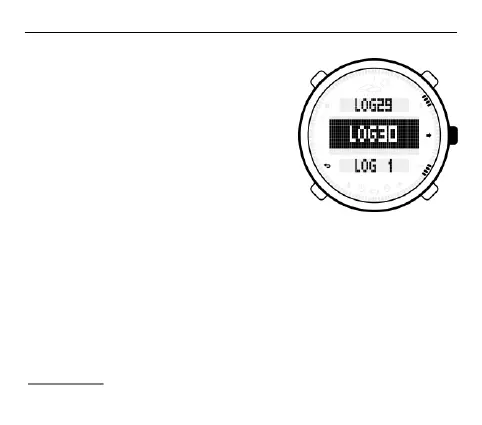
The most recently saved log record
appears in the middle row of the
following display if you have saved
more than one record.
If you want to view other records, press
the S1 or S3 button to scroll through the
individual records.
If you want to open a particular data
record, navigate to it in the middle row of the display and press the
S2 button.
Each log for a selected record contains data about the maximum
altitude (MAX) reached during this session; the minimum altitude
(MIN); the total altitude of the ascent (ASC); the total height of the
descent (DSC); and the session duration (DURATION). The time
and date information when these altitudes were achieved is also
shown for the MAX and MIN entries. Press the S1 and S3 buttons to
scroll backwards and forwards in the log.



 To Next Page