EasyManua.ls Logo

Baumer BMMV - Display Elements; Link;Activity Leds; Status DUO LED

Default Icon
19 pages
Print Icon
To Next Page IconTo Next Page
To Previous Page IconTo Previous Page
Loading...
Baumer_PowerlinkV1-01_MA_EN.docx 15/19 www.baumer.com
19.07.2013
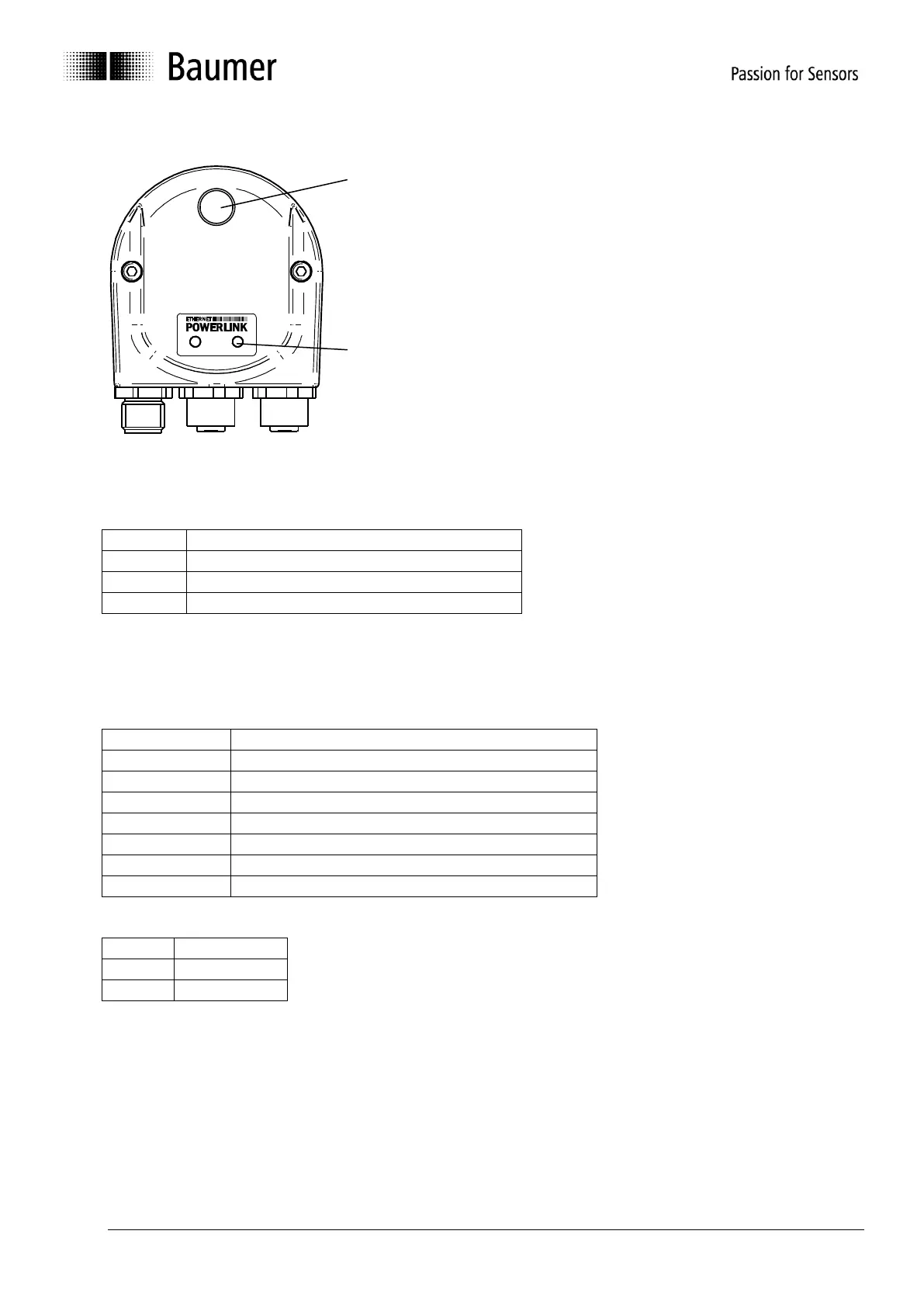
8.4 Display elements
8.4.1 Link/Activity LEDs
The Link/Activity LEDs indicate the Ethernet interface activity.
Status
Meaning
off
No Ethernet link (unplugged)
on
Ethernet link available
flickering
Ethernet activity
8.4.2 Status DUO LED
The DUO LED (red/green) indicates the bus cover activity.
Green LED
Status
Meaning
off
Bus cover off or booting not yet finished
flickering
Status Pre-Operational
on
Status Operational
Single flash
-
Double flash
In reset status
Triple flash
Status aborted or inactive
Quadruple flash
Status Basic Ethernet
Red LED
Status
Meaning
off
No error
on
-
OUT
L/A
IN
Status LED
Link/Activity
LEDs

Related product manuals