en_BA_O200_IO-Link_V1.docx 22/34 Baumer Electric AG
15.08.2018/ Frauenfeld, Switzerland
4.6.1.1 Local Teach: Teach Modes
Applicable for qTeach and for teach-in by wire
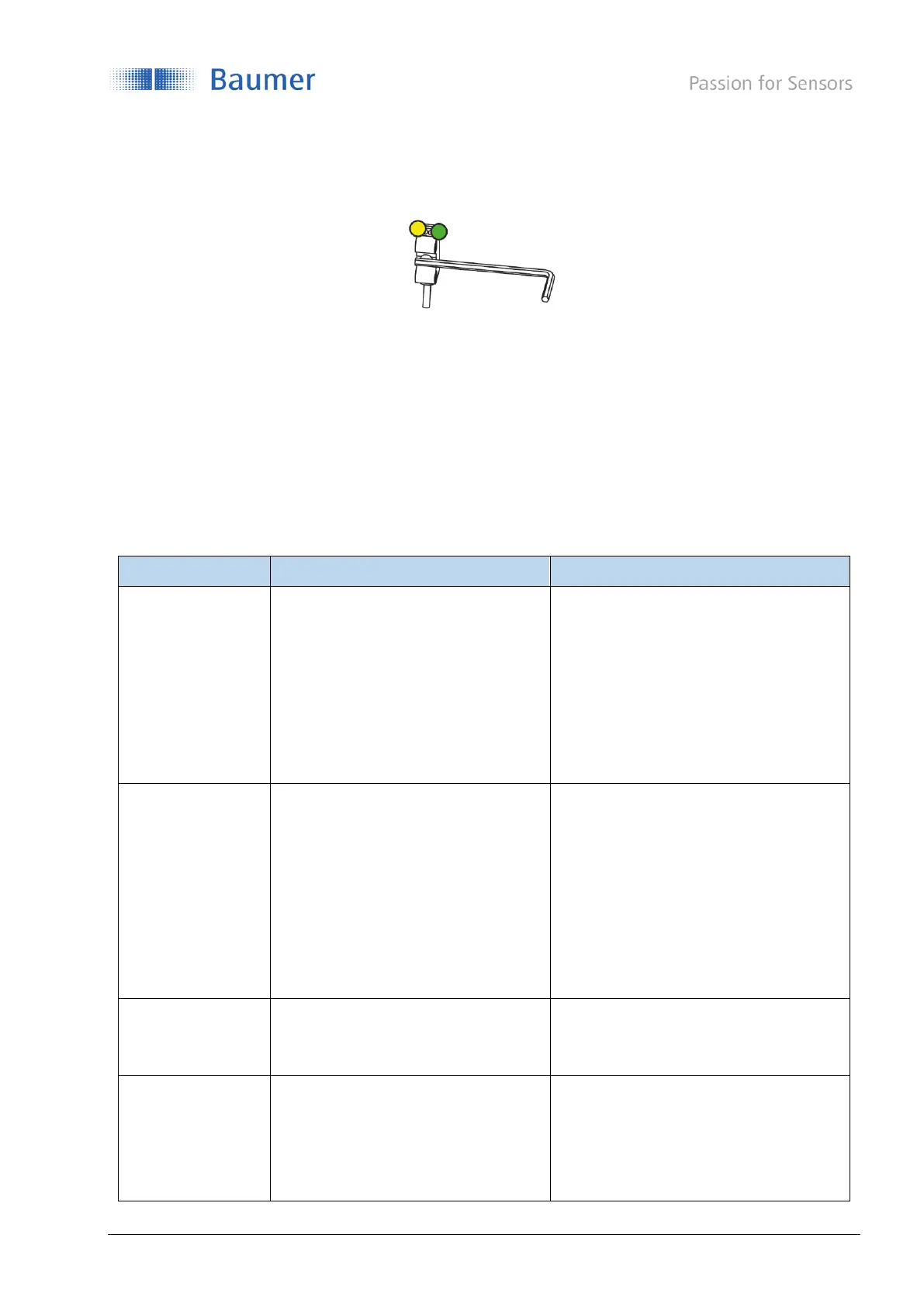
Figure 22: Teach-in activation by qTeach
The switching behavior depends if the switching mode is set to single point or window (only available for
O200.G).
For the behavior resulting based on the teach-in, please check section 5 and the following sub-chapters or
section 4.3.2 how to adjust the switching mode or relevant parameters. (TPO, hysteresis, …)
If the teach-in was not successful, is indicated by the LED flashing 8 Hz for 2 sec. Previous settings are
restored.
If the teach-in was successful, the sensor turns in to operation mode.
1 Point Teach
Enter teach level by activating
qTeach-in >2 .. <4 sec
(Green LED flashes with 2 Hz)
Tap qTeach to teach-in the position
2-Point Teach (O200.S: not active)
Enter teach level by activating
qTeach >4 … <6 sec.
(Yellow LED flashes with 2 Hz)
Tap qTeach to teach the position of TP1
Tap qTeach again to teach the position
of TP2
Start:
Enter teach Level by activating
qTeach >2 .. <4 sec.
(Green LED flashes with 2 Hz)
Data acquisition starts after releasing
teach-in
Stop:
Tap qTeach
Accepted duration:
2 … 15 sec



 To Next Page