Baumer Functions | 8
OM20/ OM30 RS485 with Modbus RTU | V1 Operating Manual 35
8.7 Switching points
Via the Switching points function, distances (switching points) are defined at which the switching
output is to be activated.
The function can be configured via the following parameters:
n
Select measurement mode (point mode or window mode).
n
Define the position of the switching points (SP1 and SP2):
▪ Point mode: SP1
▪ Window mode: SP1 and SP2
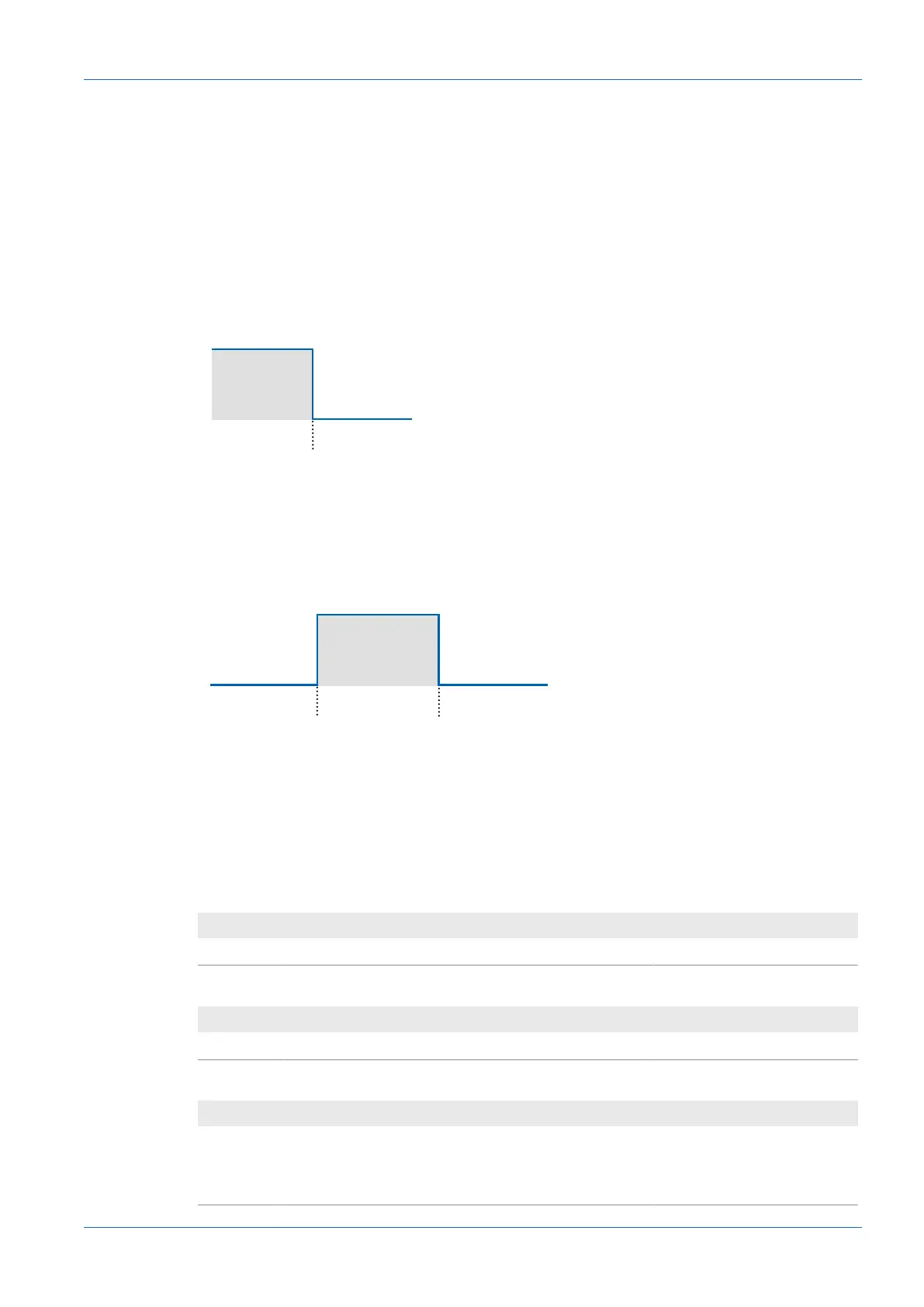
Point mode
Ill.11: Sensor in the point mode measurement mode
n
Purpose/application (example):
▪ Quality control: Check the minimum/maximum height of a measurement object.
▪ Reach a desired position with a tool that edits an object.
Window mode
Ill.12: Sensor in the window mode measurement mode
n
The smallest switching window is 2 mm.
n
Purpose/application (example):
▪ Quality control: Check the dimensions of a measurement object within a tolerance win-
dow.
Modbus RTU command – holding register: switching points
Address 300 – Switch Point 1:
Address Access Number of registers Data type Description
300 - 301 Read/write 2 float32_t Far threshold
Address 302 – Switch Point 2:
Address Access Number of registers Data type Description
302 - 303 Read/write 2 float32_t Near threshold
Address 304 – Switch Mode:
Address Access Number of registers Data type Description
304 - 305 Read/write 2 int32_t Select switching mode:
n
0: Point
n
1: Window



 To Next Page