17
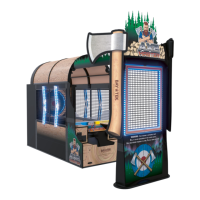
AXE MASTER SETUP
Install the roof supports:
Locate the 3 of Black Plastic Roof Supports- (Labeled G)
Part # AACA29096
These roof supports will
have small L brackets attached.
The monitor housing has small cutouts in the surface.
The notched end of the roof support must slide
into this notch completely.
The cut-outs in the roof supports will slide into
the middle and front arches.
Once all of the notches are fitted, secure the roof supports
by using 8 of the black #6 by 3/4” screws using a Phillips
screwdriver.
Secure all 3 roof supports using the same process.
G
A5SCSQ001
At the front of the game, route the cables up over a roof support and
into and though the hole in the front arch.
This cable will plug into the poles later.
Do this for both sides of the front arch as shown.



 To Next Page