STATISTICS
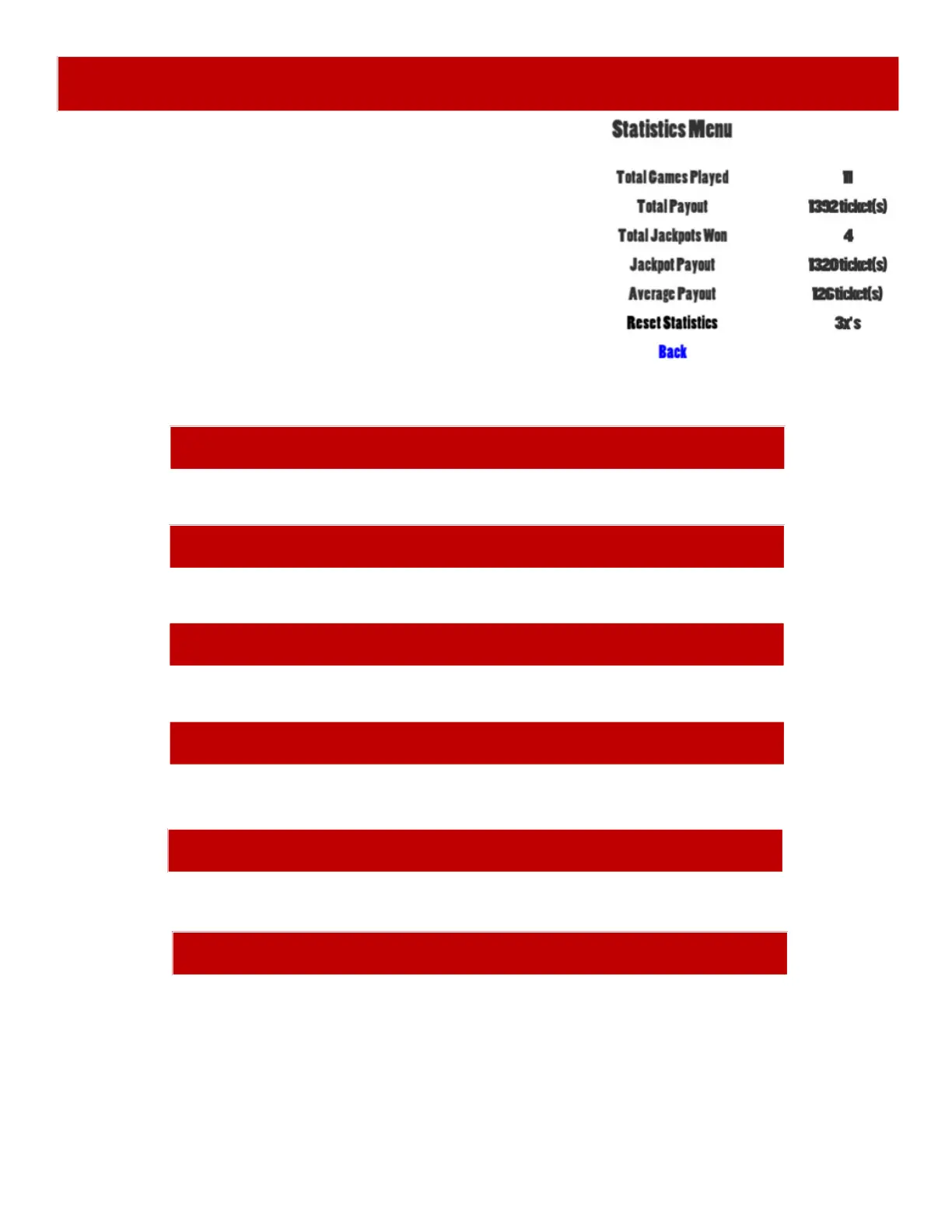
TOTAL PAYOUT
Shows the total number of tickets payed out since last Reset.
Scroll through the options by pressing the “MENU” button.
Change selection with the “SELECT” button.
Scroll to “BACK” and press the “SELECT” button to go
back to the main menu.
TOTAL JACKPOTS WON
Shows the total number of Jackpots won since last Reset.
TOTAL GAMES PLAYED
Shows the total number of games played since last Reset.
RESET STATISTICS
Press the “SELECT” button 3 times to reset statistics.
JACKPOT PAYOUT
Shows the total number of Jackpot tickets won since last Reset.
AVERAGE PAYOUT
Shows the average tickets per game since last Reset.


 To Next Page
 Loading...