HOW TO REPLACE MONITOR
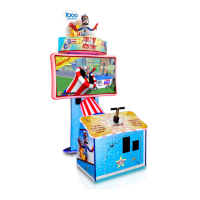
Unplug the game from the wall and remove the back
door.
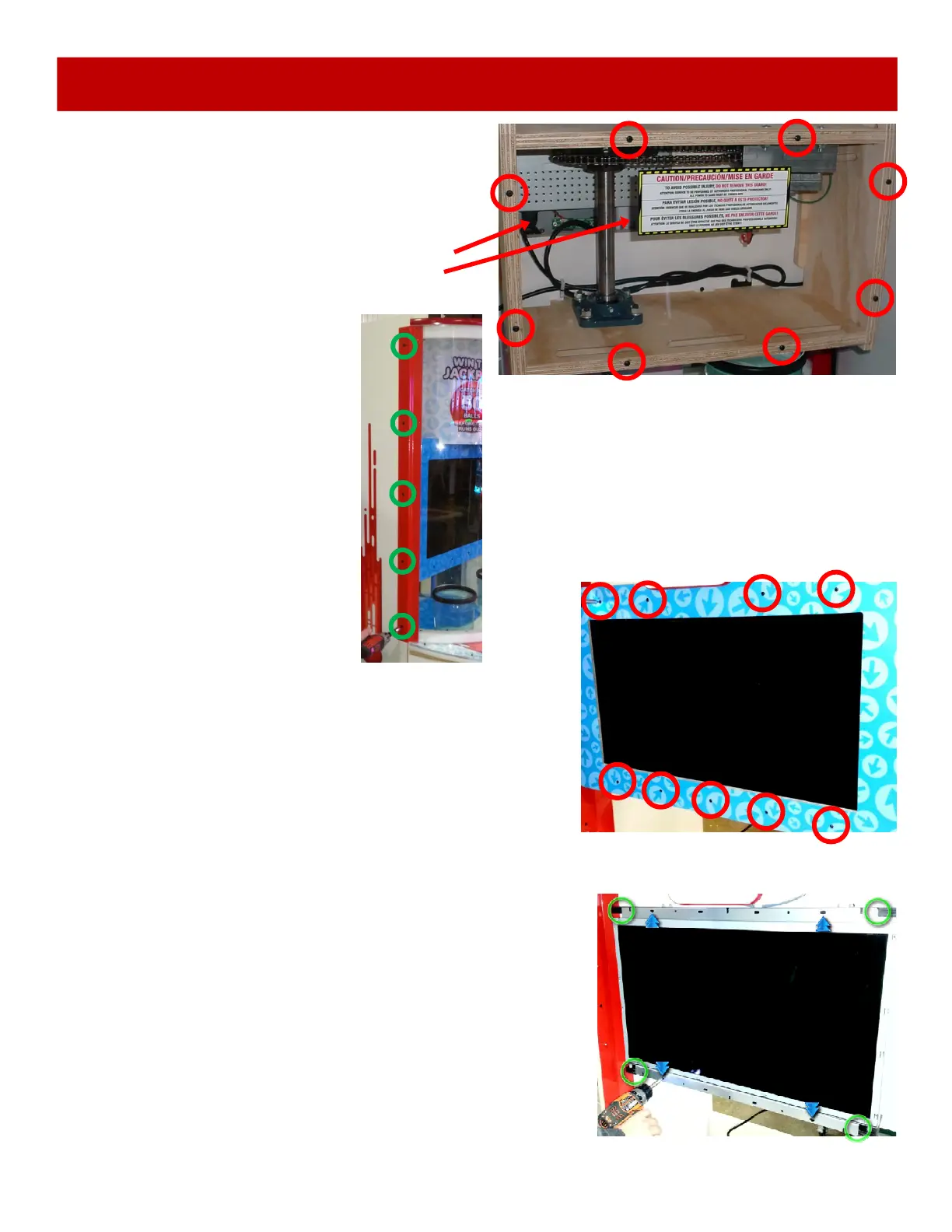
Remove the 8 black 8 screws (A5SCPH101) using a
# 2 square bit and remove the plexi shield.
Reach into hole and unplug the monitor power and
unscrew the DVI cable from the monitor.
Remove the 9 black 8 screws (A5SCPH101) from
the artwork around monitor using # 2 square bit.
Peel the artwork from the monitor, there is double
sided tape that will also have to be peeled off.
Remove the 4 black 1 1/4” bugle screws (A5SCPH101) from the
monitor using # 2 square bit shown by blue arrows.
Remove the monitor from the cabinet.
When re-installing the new monitor, make sure the monitor frame is
seated into the recessed area shown by the green circles.
Assembly is the same process, reversed.
Remove the 5 flat head bolts
(A5BOBH030) using a 5/32” Allen
wrench from the side rail.
Bend and flex the front plexi
around the drop button and out of
the way.


 To Next Page
 Loading...