MX87QD User’s Manual
MX87QD User’s Manual
29
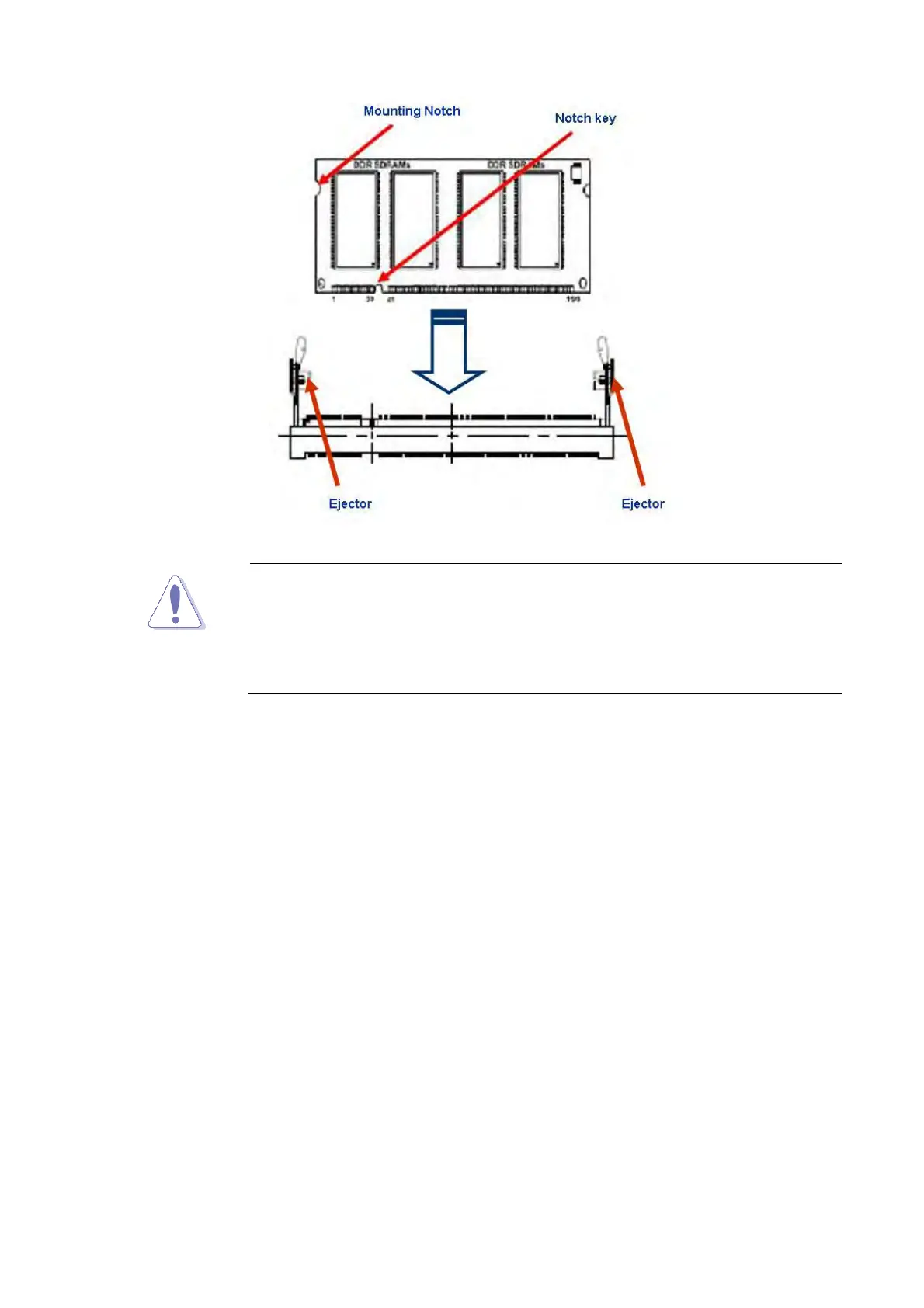
A DDR3 SODIMM is keyed with a notch so that it fits in only one
direction. DO NOT force a SODIMM into a socket to avoid
damaging the DIMM.
The DDR3 SODIMM sockets do not support DDR/DDR2
SODIMMs. DO NOT install DDR/DDR2 SODIMMs to the DDR3
SODIMM socket.
1.5.4 Removing a DDR3 SODIMM
1. Press the two ejector tabs on the slot outward simultaneously, and then pull out the
DIMM module.



 To Next Page