MX87QD User’s Manual
MX87QD User’s Manual
55
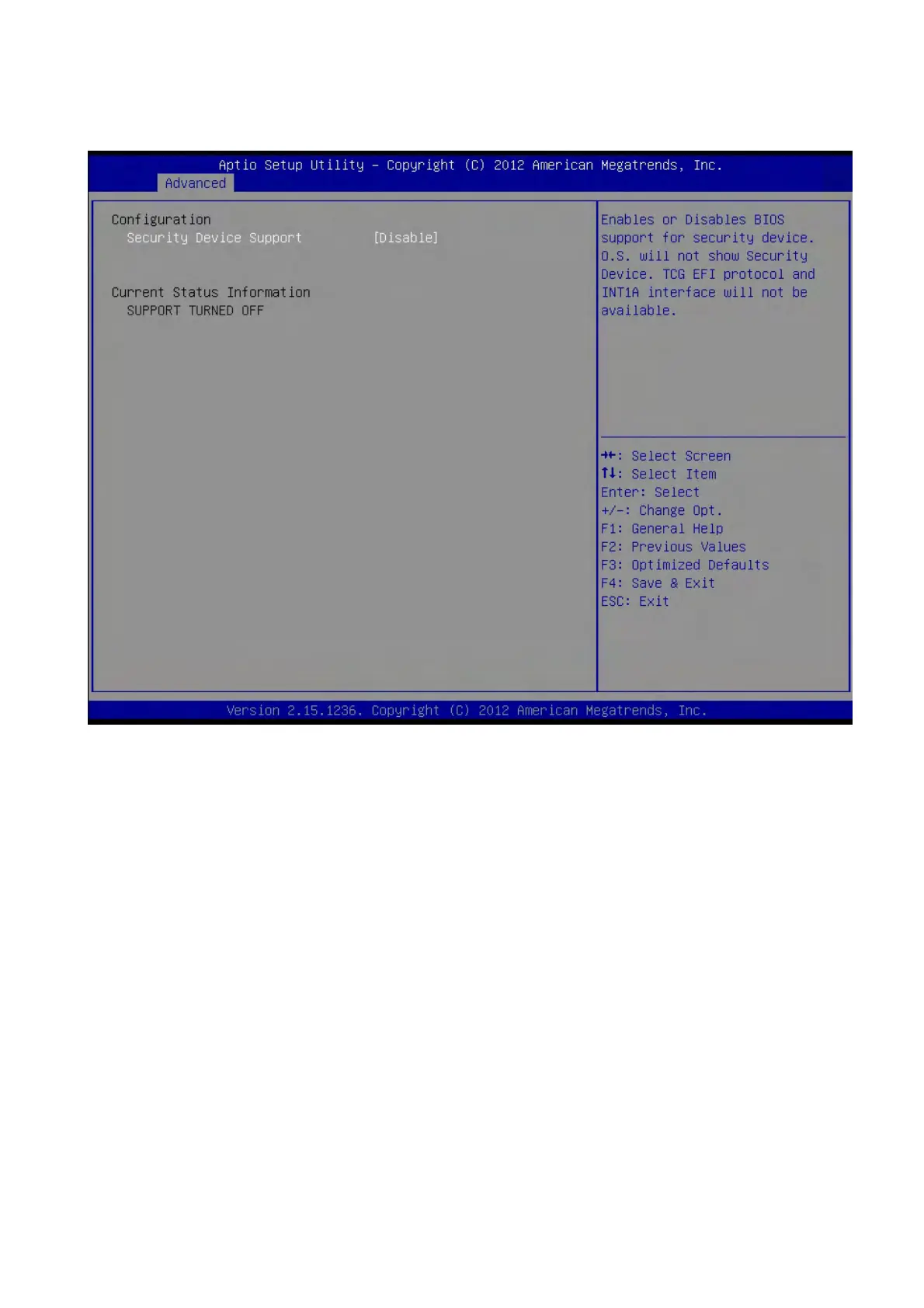
2.4.3 Trusted computing
Trusted computing (TPM) settings.
TPM configuration
Security Device SUPPORT [Disabled]
Enable or disable TPM support.
Configuration options: [Disabled] [Enabled]
Current Status Information
Displays the TPM status information [SUPPORT TURNED OFF]



 To Next Page