MX87QD User’s Manual
MX87QD User’s Manual
61
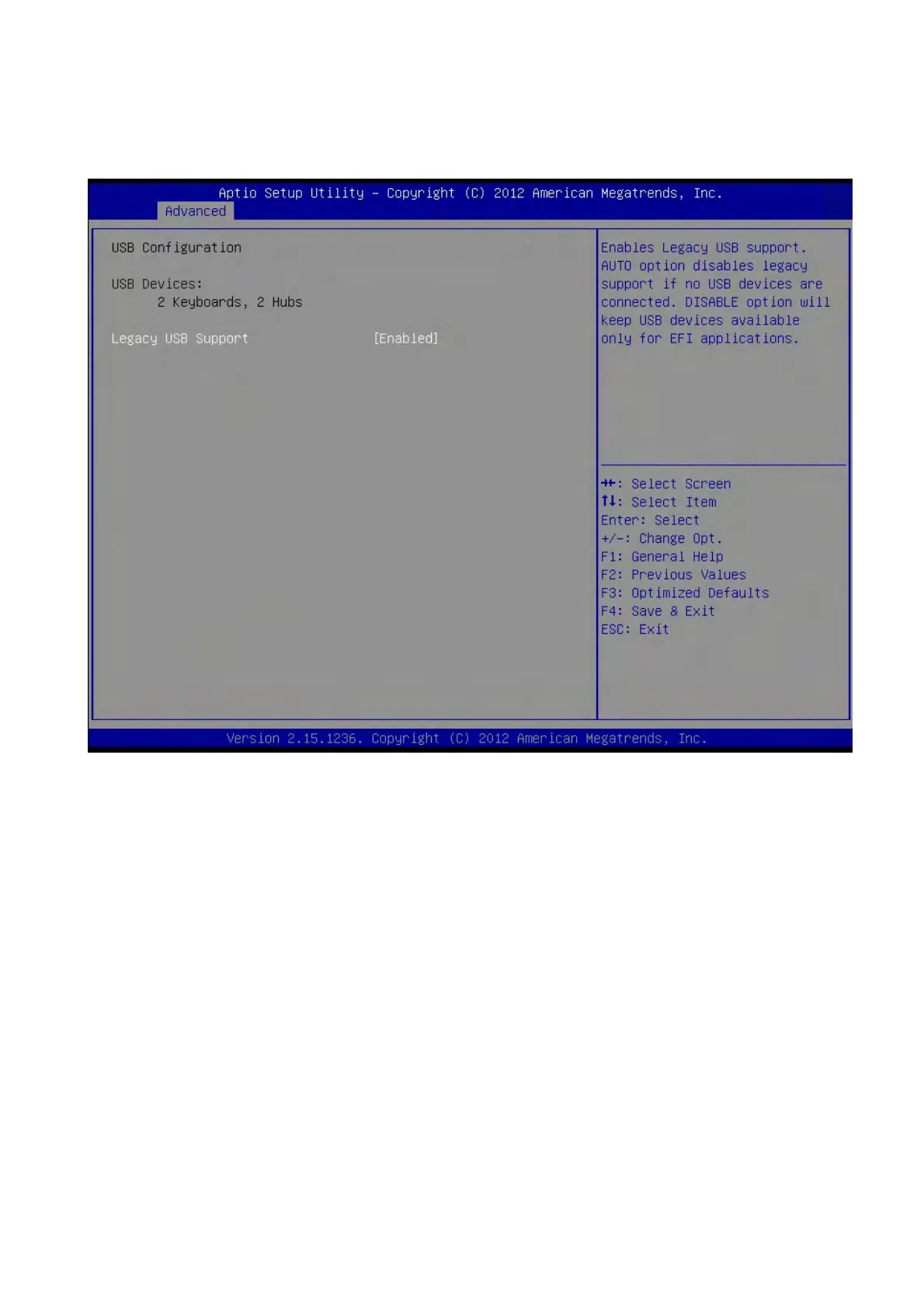
2.4.8 USB Configuration
USB Configuration Parameters
USB Device
Display how many devices are connected.
Legacy USB Support [Enabled]
Enables Legacy USB support. AUTO option disables legacy support if no USB devices are
connected. DISABLE option will keep USB devices available only for EFI applications.
Configuration options: [Enabled] [Disabled][Auto]



 To Next Page