MX87QD User’s Manual
MX87QD User’s Manual
31
1.6.2 Configuring an Expansion Card
After installing the expansion card, configure it by adjusting the software settings.
1. Turn on the system and change the necessary BIOS settings, if any. See Chapter 2 for
information on BIOS setup.
2. Assign an IRQ to the card if needed. Refer to the tables on the next page.
3. Install the software drivers for the expansion card.
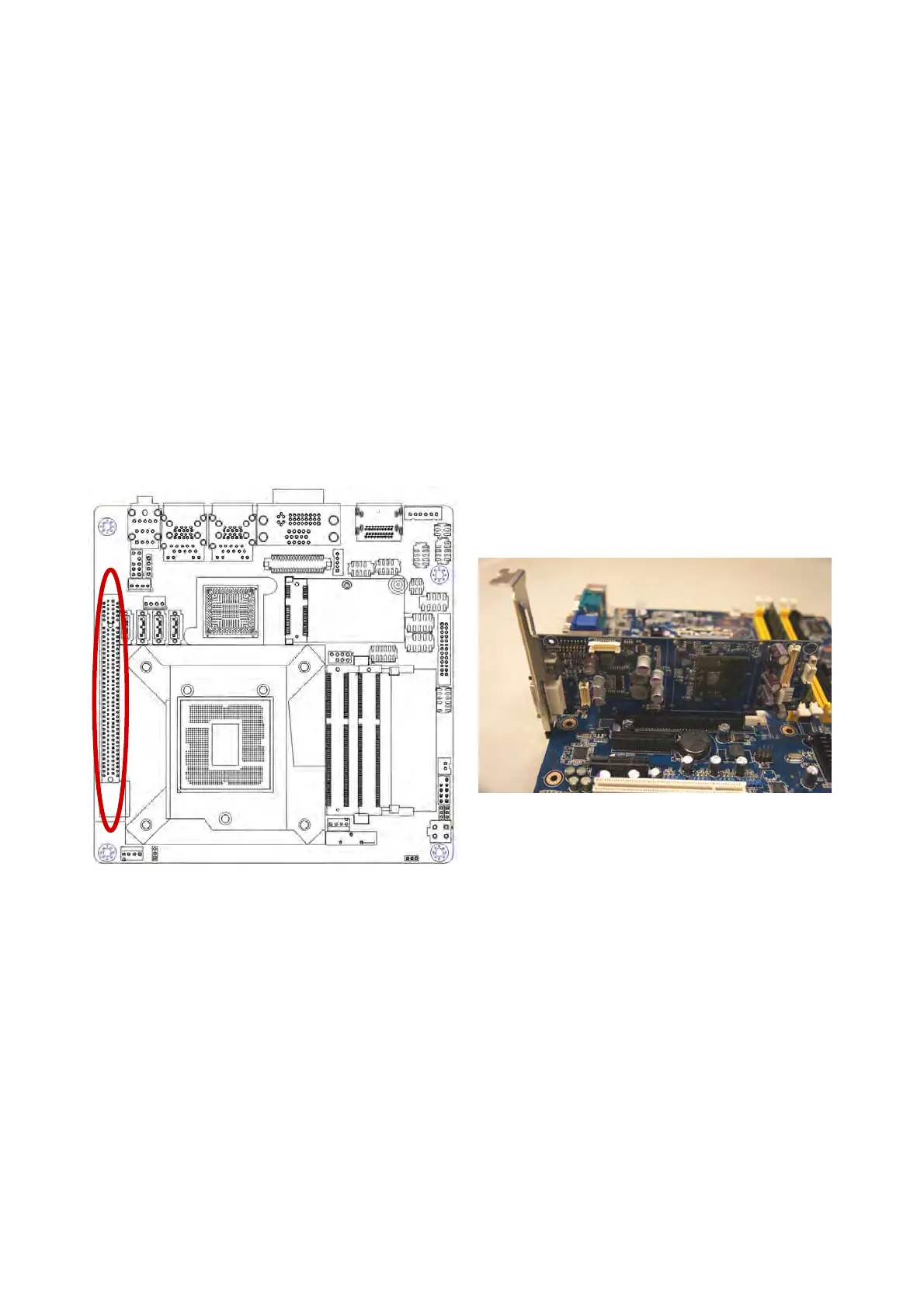
1.6.2.1 PCI Express x16 slot
This motherboard supports one PCI Express x16 slot that complies with the PCI Express
specifications. The following figure shows a graphics card installed on the PCI Express
x16 slot.



 To Next Page