17
1.5.3 Onboard LEDs
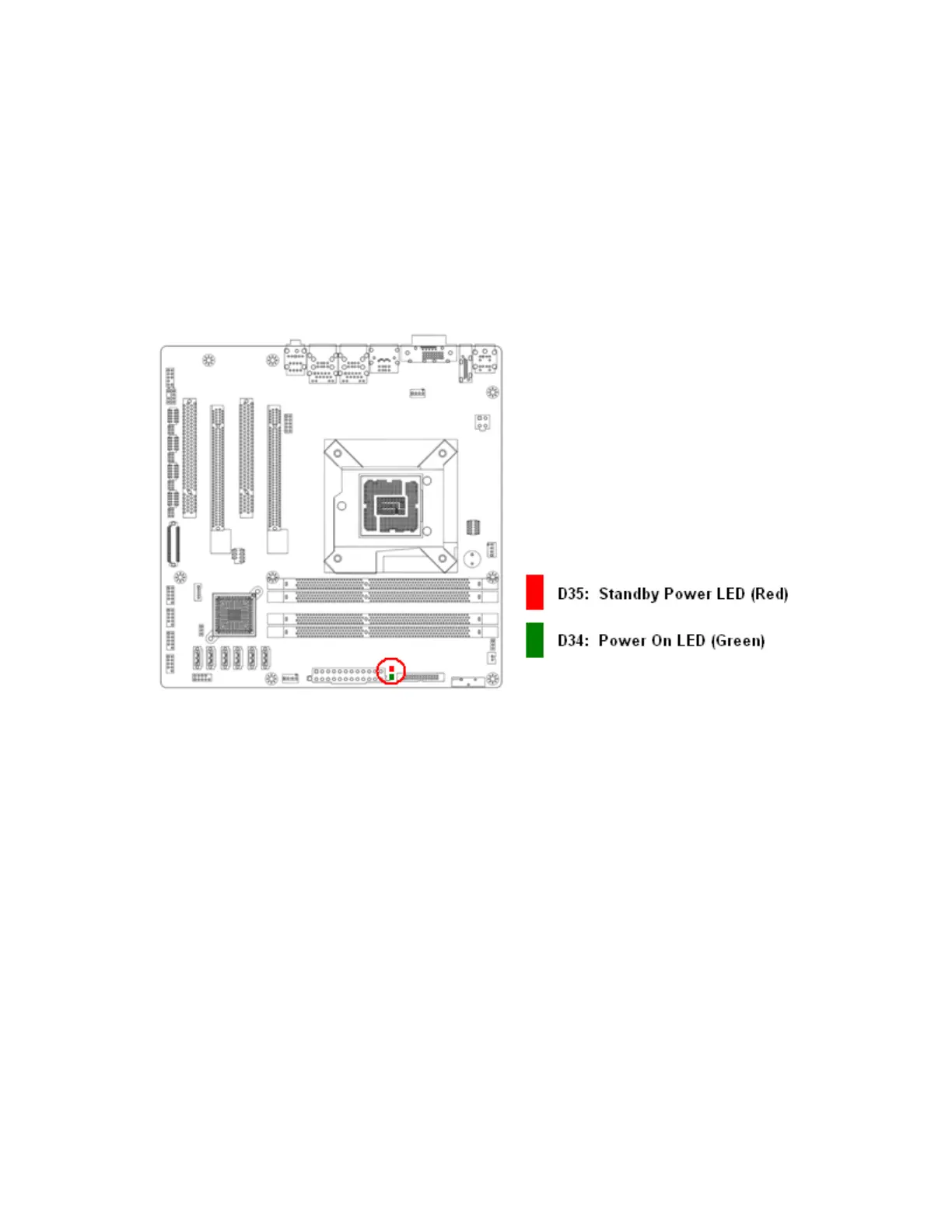
The mainboard comes with a “Power On LED” (green) and one “Standby Power LED” (red) to indicate the
system status. When the “Standby Power LED” lights on: It means the system is either in the standby state,
or the power cable is still connected to the power source. The “Power On LED” lights on/off to indicate that
the system status, in sleep mode, or in soft-off mode. This is a reminder that you should shut down the
system and unplug the power cable before removing or plugging in any mainboard component. The
illustration below shows the locations of onboard LEDs.



 To Next Page