85
3.8 Boot Menu
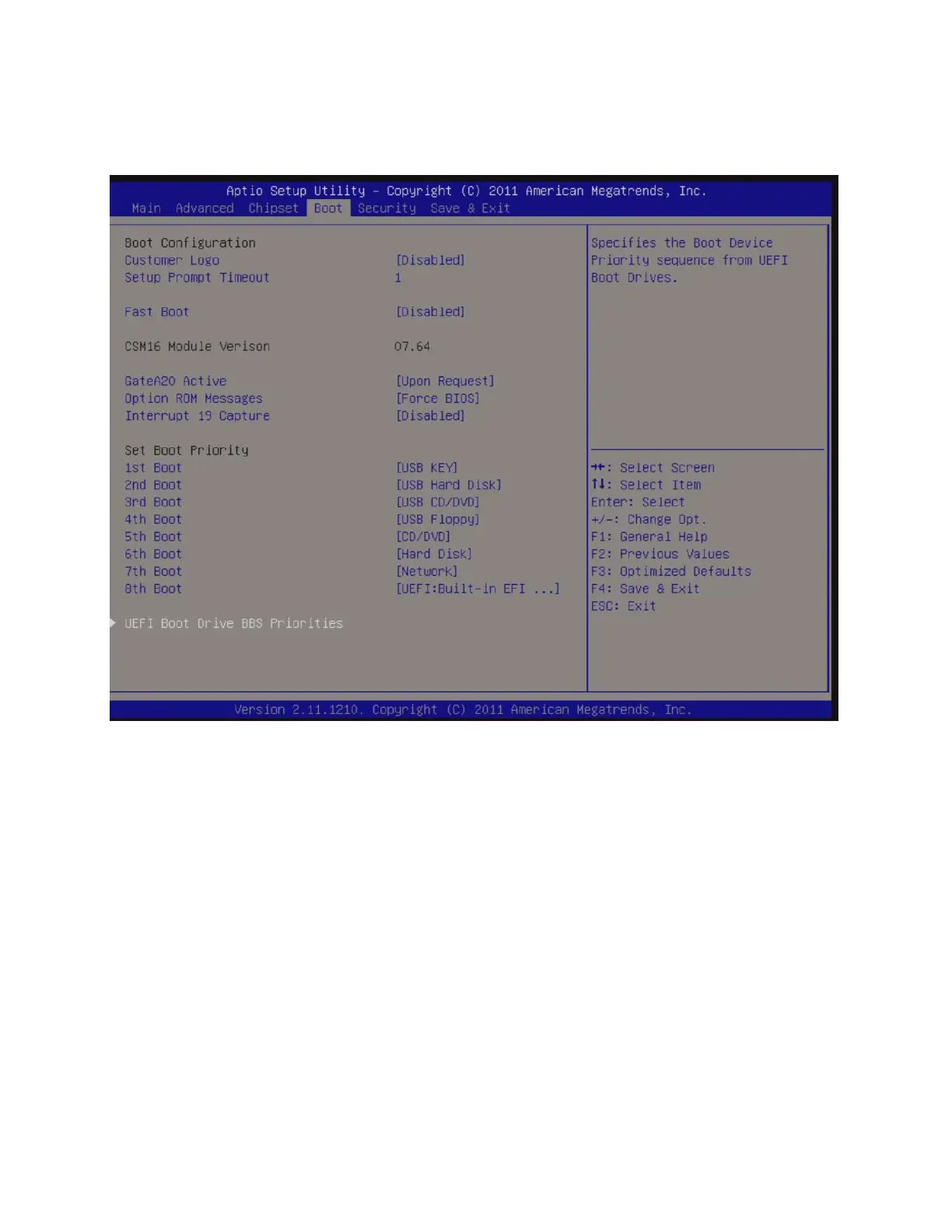
Boot Configuration
Boot Configuration
• Customer Logo [Disabled]
Enable/disable display of customer logo during system post.
• Setup Prompt Timeout [1]
Number of seconds to wait for setup activation key. 65535(0xFFFF) means indefinite waiting.
• Fast Boot [Disabled]
Enable or disable boot with initialization of minimal set of devices required to launch active boot option. Has
no effect for BBS boot options.
Configuration options: [Disabled], [Enabled]



 To Next Page