26
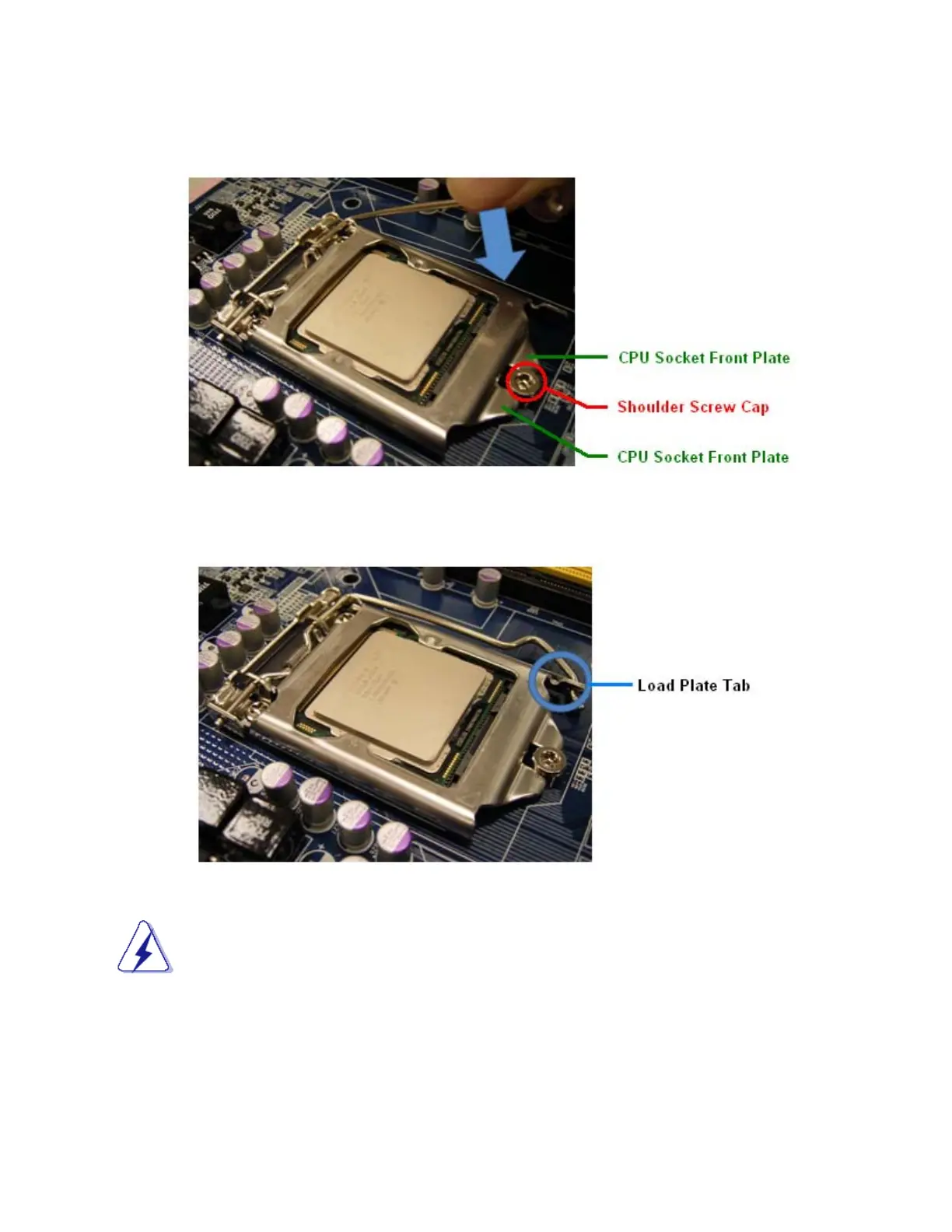
7. Close the “CPU Socket Cover” by lowering down the “CPU Socket Lever”. Make sure the “CPU Socket
Front Plates” are sliding underneath the “Shoulder Screw Cap”.
8. Secure the “CPU Socket Cover” by keep pressing down the “CPU Socket Lever” and move it toward
and underneath the “Load Plate Tab”.
The CPU fits in only one correct orientation, DO NOT force the CPU into the socket.
Otherwise, it might damage the CPU and/or the CPU socket.



 To Next Page