Chapter 4: Instrument use 39
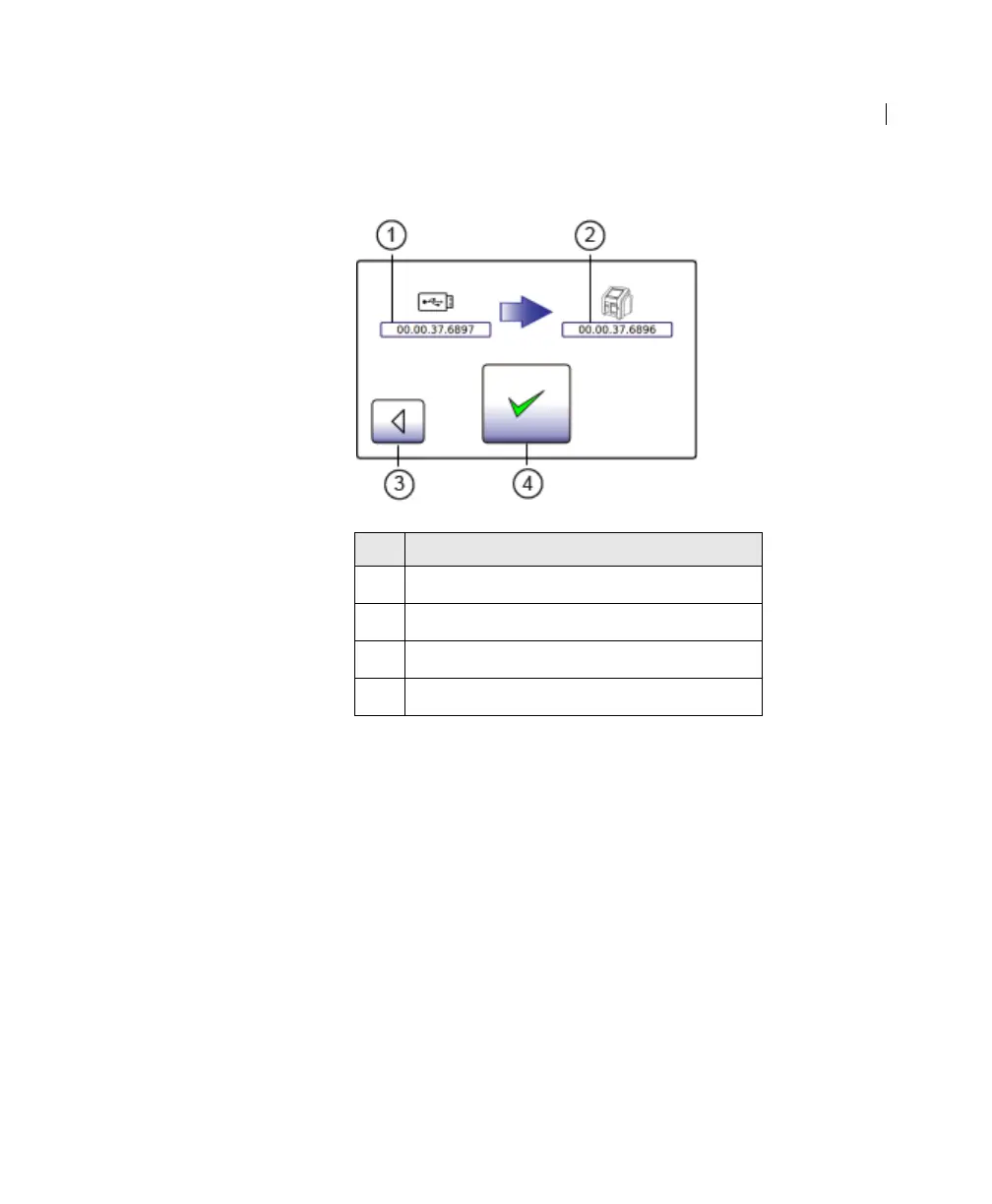
The software upgrade screen opens.
If you do not want to upgrade the software on the instrument,
press Back. The Welcome screen opens and the current
software version starts.
4. To upgrade the software to the software version on the USB
flash drive, press Accept.
No. Component
1
Software version on the USB flash drive
2 Current software version on the instrument
3 Back
4 Accept











 To Next Page