BD FACSPresto Near-Patient CD4 Counter Instructions For Use40
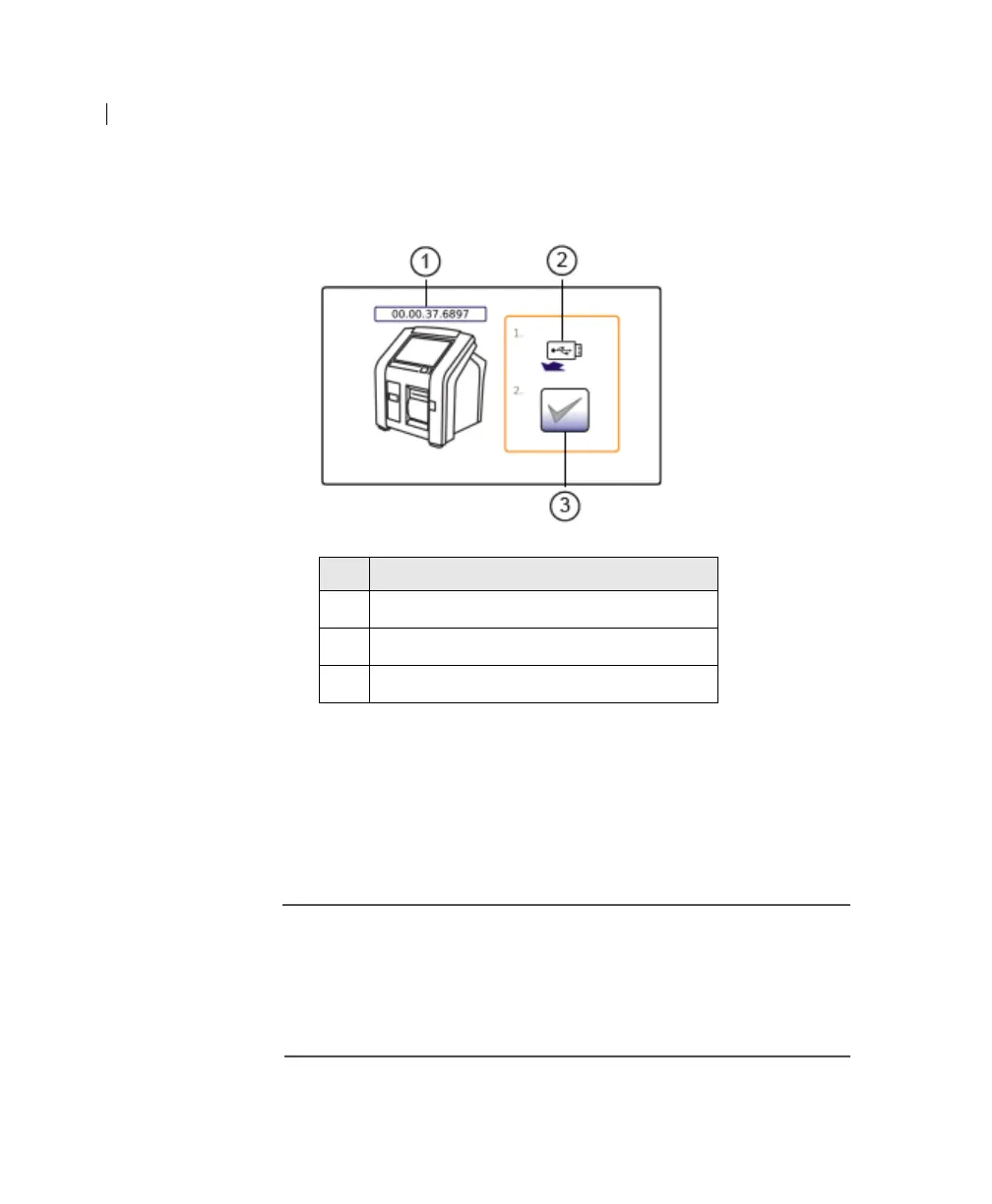
The software upgrade proceeds. When the software upgrade
completes, the following screen opens.
5. Remove the USB flash drive.
6. Press Accept.
The instrument turns off.
When you turn on the instrument, the upgraded software
version starts.
More information • Instrument startup (page 28)
• Instrument shutdown (page 29)
• Instrument front view (page 12)
• Welcome screen and navigation tabs (page 19)
No. Component
1
Upgraded software version on instrument
2 Remove the USB flash drive
3 Accept











 To Next Page