BD FACSPresto Near-Patient CD4 Counter Instructions For Use54
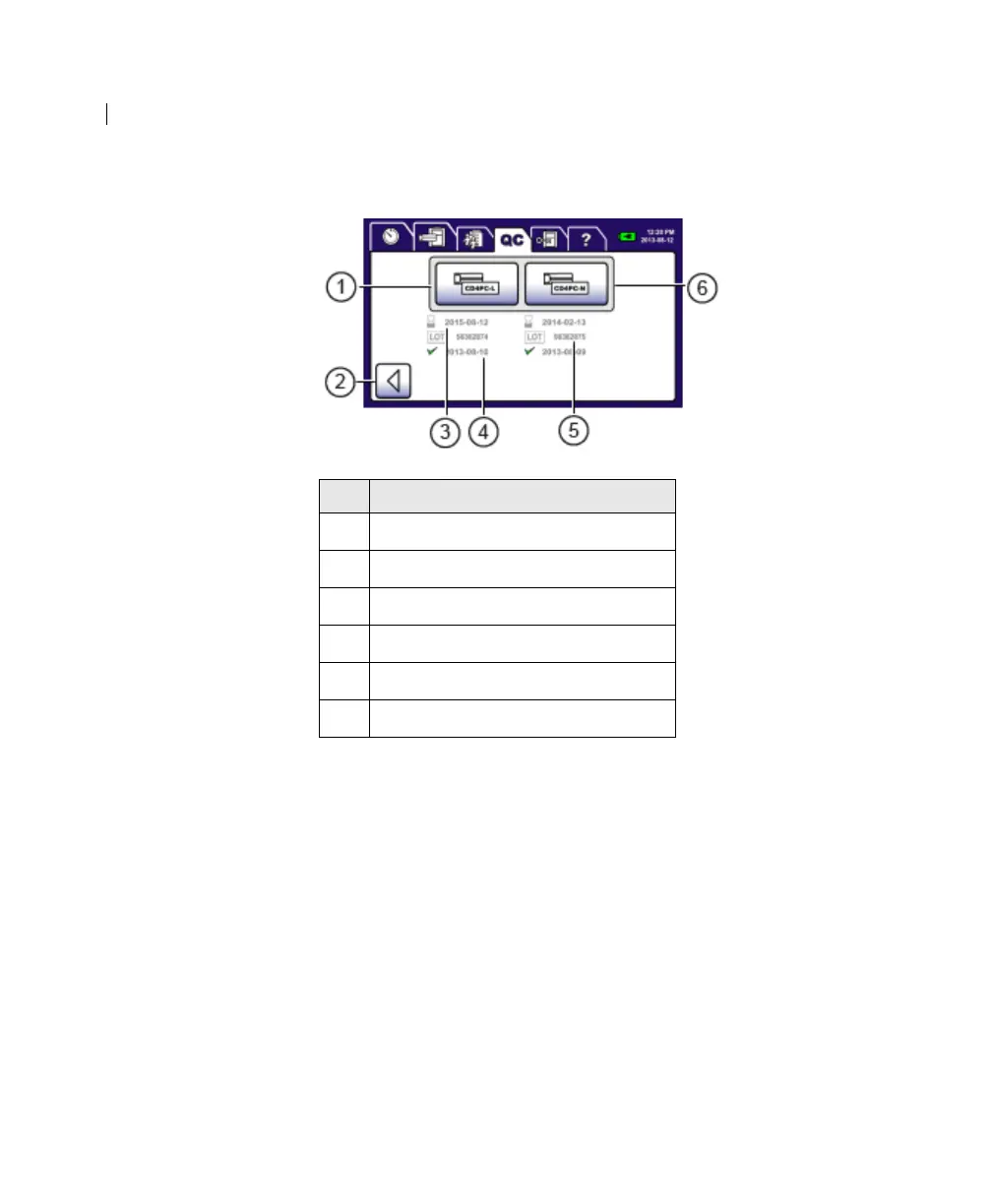
The CD4 Process Control Selection screen opens.
3. Press CD4PC-L.
The CD4 ID Confirmation screen opens.
4. If the process control information is correct, press Accept.
The Process Control Operator screen opens.
5. Insert the cartridge.
See Inserting the cartridge (page 65).
The process control is processed and a progress screen opens.
When the process is complete, the Process Control Results
screen opens and the results print.
6. Press Accept to close the results screen.
No. Field or Button
1
Process Control Low
2 Back
3 Expiration date for process controls
4 Date of last process control run
5 Lot number for process controls
6 Process Control Normal











 To Next Page