Chapter 5: Quality and process control 55
7. Remove the ejected cartridge within 30 seconds.
If you do not remove the cartridge within 30 seconds, the
cartridge goes back into the instrument. If this happens, press
Open door and remove the ejected cartridge.
The CD4 Process Control Selection screen opens.
8. Press CD4PC-N.
9. Repeat steps 3 to 7 for the CD4 normal count process control.
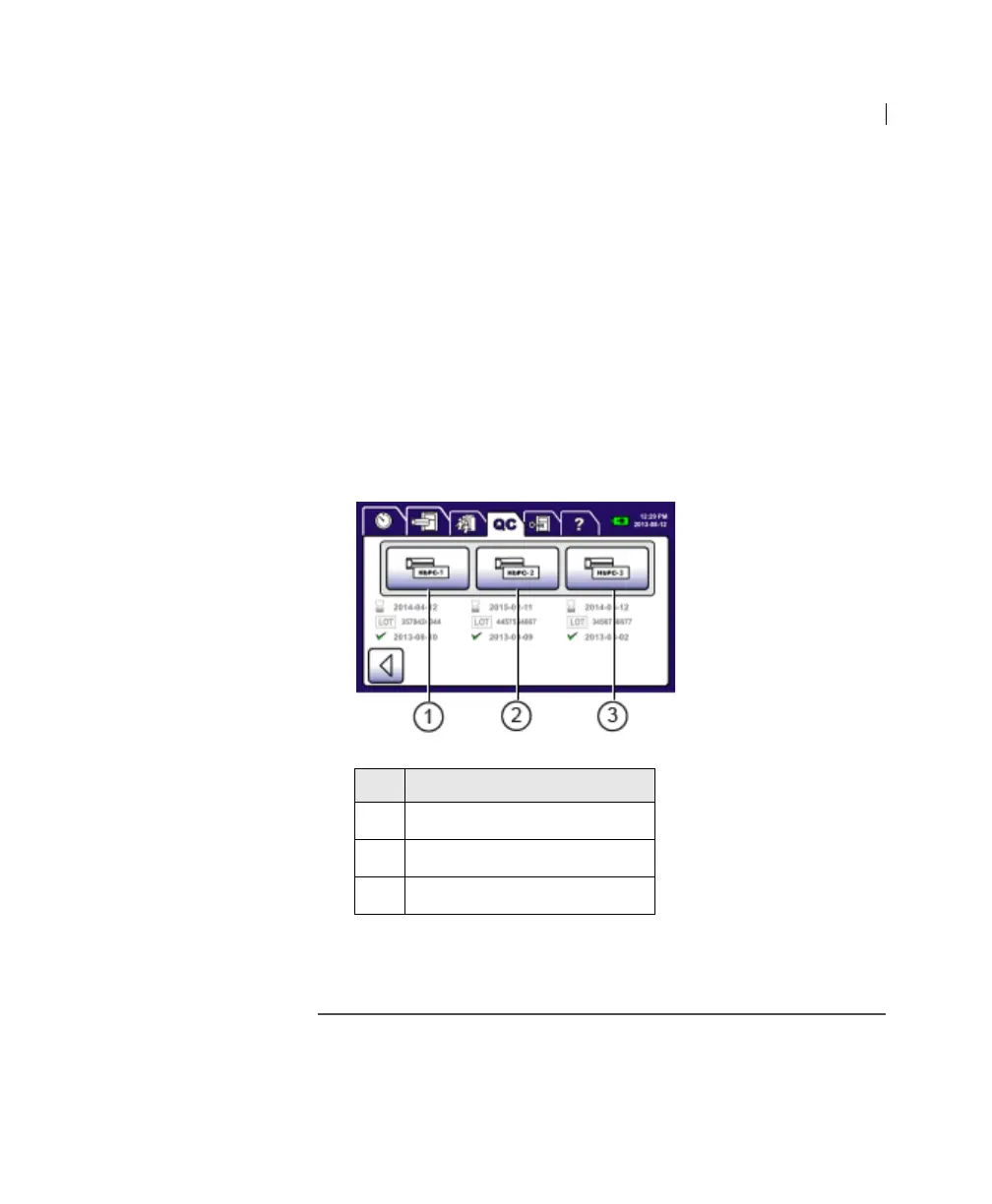
10. Press HbPC in the QC tab.
The Hb ID Confirmation screen opens.
11. Repeat steps 3 to 7 for HbPC L1, HbPC L2, and HbPC L3.
You can now process samples.
More information • QC tab (page 43)
• Entering process control information (page 45)
• Process Control Results screen (page 53)
No. Button
1
Hb Process Control 1
2 Hb Process Control 2
3 Hb Process Control 3











 To Next Page